























Star Citizen 1.0 · CitizenCon 2954
Star Citizen Player-built space stations.
How an organization’s home among the stars is planned to take shape—from the first Supply Bay to a connected station with shops, industrial wings, defenses and capital-ship dry docks.

Grow from a core to rooms and wings.
Supply, trade and support your fleet.
Protect the place your crew creates.
Jump to sectionConstruction
Take a cinematic tourOptional video · 14 min 22 sec
Watch the cinematic on YouTube ↗Build your station, starting with the Supply Bay.
A station begins with a Supply Bay and a crew willing to keep it supplied.
Imagine returning from a mining run to a station your organization built. Haulers are bringing in materials, friends are preparing their fighters, and new rooms are taking shape beyond the hangar. Player-built stations are intended to bring those activities together in a home your group can expand.
Getting there takes a sustained supply effort. The construction concept gives builders, industrial crews and delivery pilots distinct jobs, with automated drones handling the assembly.
Build the Supply Bay
A Pioneer constructs the staging structure that starts the station project.
Deliver materials
Your crew replenishes the cargo grid as construction consumes its resources.
Assemble the core
Multiple automated drones turn those deliveries into the station’s main structure.
Move in and expand
The Supply Bay joins the station; the bridge becomes your center for further building.

Choose where you want to build
The Pioneer and Galaxy both belong in the wider base-building picture, with different roles for projects in orbit and on the ground.

Consolidated Outland Pioneer
Start a station project by building its Supply Bay, before the bay’s drones take over assembly of the core.
Explore the Pioneer
RSI Galaxy
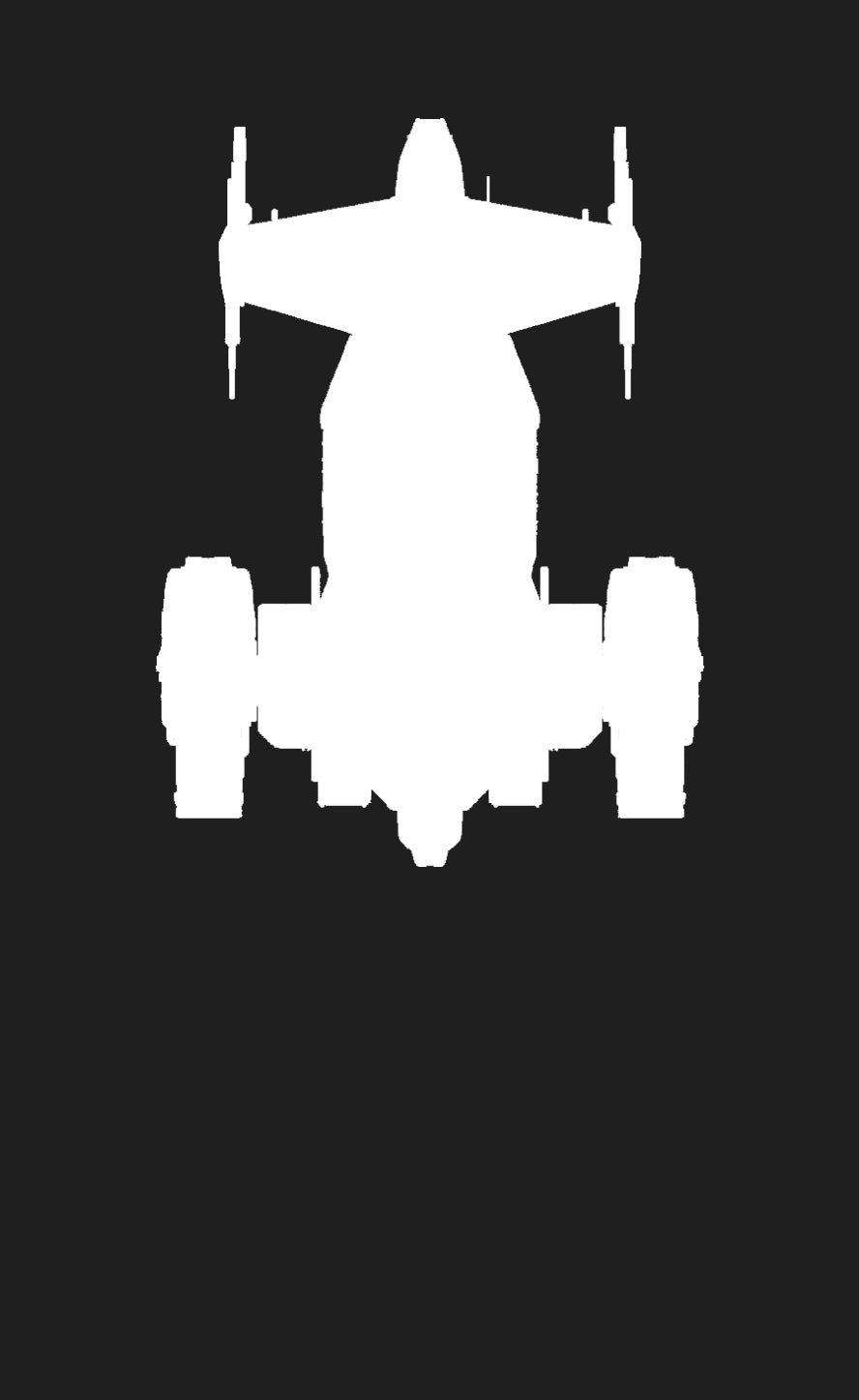
Build large structures on the ground with a planned construction drone module for this versatile modular ship.
Explore the GalaxyMining, salvage and hauling give members ways to gather resources and earn the income behind a major project. The industrial fleet keeps those efforts moving.
Manage life aboard from the station core.
Command, transit and engineering form the working heart of the station.
The core would give your organization somewhere to operate before every room is finished. It brings together the bridge, transit routes, engineering spaces and starting hangars.

Keep the operation running
From the bridge, your crew could manage new construction, monitor the station’s condition and oversee supplies such as power and water. Power and cooling become especially important as more facilities come online.
Access permissions would let you reserve private areas for organization members or open shared spaces to visitors. Radar and visitor logs would help the bridge crew follow activity outside and aboard the station.
A connected place to live and work
A central transit spine behind the bridge links the decks, each with its own arrival lobby. The interior is designed to fit the exterior one-to-one, with routes around the perimeter that make the station a place you can learn your way around.
Below the public decks, engineers would maintain the machinery. While pilots organize flights and handlers unload cargo, another crew has work to do keeping their home running.


Keep ships and supplies moving through your hangars.
Prepare the next load while the incoming ship is still on approach.
The proposed core starts with a large hangar and two docking collars, plus space to build two medium hangars later. Your fleet has somewhere to arrive early in the project, with room to expand as traffic grows.

Connect the ground crews
Internal roads link the hangars and continue into the station. Crews could drive vehicles and supplies between them, using open parking modules and freight elevators along the way.
An observation level overlooks each hangar floor. The control room is designed to coordinate freight and vehicle elevators, bringing the next shipment into position before its hauler lands.
That turns a supply run into a shared operation: pilots handle the journey, cargo crews prepare the load, and control-room staff keep the hangar moving.
See freight handling, parking, road access and hangar control


Give every room a purpose.
Add useful facilities and make space for the people who use them.
Interior expansion follows the core’s corridors and roads. Bulkhead connectors mark the places where rooms can be added; tiers 1 through 3 determine the size each connection supports.

In build mode, you would plan the addition, supply its materials and wait for construction. Finished rooms can be named, with those names appearing on the minimap.
Make it your own
An empty room gives you space to arrange your own furniture and items in decorator mode.
Support your crew
Mess halls, infirmaries, habitation and generator rooms bring practical facilities into the interior.
Welcome customers
Shop modules create places to trade and give visitors a reason to come aboard.
A growing crew might need more habitation; an expanding industrial operation might need extra power. You can develop the interior around those changing needs.

Explore the bulkhead connections and room expansion areas


Equip the exterior with shields, turrets and utilities.
Small attachments can make a big difference to how the station operates.
Minor hardpoints across the upper and lower surfaces are intended for utility and defense modules. Build mode would let you fit gas harvesters, shields and turrets to support your station’s role.

These installations draw on the station’s systems. When several facilities need power at once, the bridge crew may have to choose what takes priority.
Minor hardpoints hold equipment. Major hardpoints connect large wings. Dedicated locations accommodate specialist additions such as the Crow’s Nest, flight deck and rear dry dock.

Expand with cargo, refinery and hangar wings.
Choose storage, processing or fleet capacity as your next major addition.
The core design has two major connectors for expansion wings. The optional flight deck adds another three, giving an organization more room to develop its operations.
| Wing | What it adds | A natural fit for |
|---|---|---|
| Cargo | More inventory capacity | Hauling and stockpiling |
| Refinery | Resource processing in orbit | Mining and industry |
| Hangar | More landing and docking space | Fleet operations |
Keep supplies close to home
A cargo wing provides room for goods passing through your operation and materials reserved for the next building project.

Bring processing into orbit
A refinery wing would let crews process resources at the station, without a trip to a ground base. Buying materials from the cargo wing and refining them nearby gives the two facilities a useful connection.
Make space for a larger fleet
A hangar wing adds landing spaces and docking collars for a variety of ships. Traversable connection struts let people walk or drive out from the core to these expanded facilities.

Explore all wing designs and their connection points


Make it feel like your station.
A familiar name, your organization’s colors and rooms arranged by your crew.
Earned tints and exterior decals would let your organization put its identity on the station. A recognizable color scheme and logo make the place feel familiar before anyone lands.

Inside, decorator mode gives you control over furniture and shared spaces. Naming completed rooms helps people find them on the minimap—and gives your crew the chance to leave its own mark on the layout.
Add a Crow’s Nest above and a flight deck below.
Two specialist additions change life above and below the core.
Above: the Crow’s Nest
The dedicated topside connection behind the bridge is intended for the Crow’s Nest: a personal retreat for organization members to customize and enjoy away from the busy hangars.

Below: the flight deck
The underside connection accommodates a flight deck for rapid-response forces. Its spacious interior is especially suited to fighters, while also being designed for a wider range of ships.
Ground crews could coordinate freight elevators from the observation area, bringing supplies into place as pilots prepare to launch. The attachment also adds three major hardpoints for further wing expansion.

See the attachment locations and flight deck exterior


Defend your station against boarding and raids.
Protecting a station takes a fleet outside and a prepared crew within.
Cargo, equipment and supplies make a well-stocked station a tempting target. Your combat fleet would be part of its response: fighters for the air wing, corvettes for patrols and heavier engagements, and carriers for supporting larger forces.
The station’s exterior is designed to withstand heavy punishment, encouraging attackers to board. In the proposed boarding design, the flight deck and EVA hatches offer routes into the interior.

Control the routes through the station
Once inside, attackers would face bulkheads, freight elevators and corridors. Hacking could help them push farther; clearing a hangar could let them bring in ground vehicles, including tanks.
The bridge is a key objective because capturing it would unlock access to otherwise protected storage. Taking goods still requires transport to carry them away. Whether attackers could take permanent ownership of a station remains unconfirmed.
Give defenders time to respond
Blast doors could seal routes, while anti-personnel and anti-vehicle turrets slow an advance. Knowing the roads, transit connections and approaches to the bridge would help your crew coordinate a defense while reinforcements arrive.

Compete for protection through the SEAL network.
The SEAL proposal connects station security to a wider struggle across a system.
The October 2024 design described a SEAL shield network for Pyro and Nyx. Organizations would compete over existing ground sites, orbital stations and relays linked to a central shield core.
Those objectives are separate from the station your group builds. Holding and supplying them would earn tokens used to bid for limited protection.
Occupy a network location
Capture and hold an objective. Larger structures were intended to generate more tokens.
Keep it supplied
Deliver the resources that power the network while your organization earns SEAL tokens.
Bid for protection
The proposal used weekly bids across shards, with limited shield coverage awarded to the highest bidders for the following week.
The proposed reward was coverage that would make protected bases invulnerable. Who qualifies, how bidding works and exactly what that protection covers may change as the system develops.
Installing shield modules on your station’s minor hardpoints would not automatically grant SEAL coverage. Network protection depends on the wider competition.
Work toward capital-ship construction in a dry dock.
A dry dock turns capital-ship construction into an organization-wide ambition.
A station dry dock is intended to give your organization somewhere to build capital ships. It brings a long-term purpose to the resources, blueprints and people you have brought together.

The design places the dock at a dedicated rear attachment point. An observation room houses crafting stations, and a tram runs inside the construction arms toward the docking collars where the ship takes shape.
The broader vision allows multiple stations to connect. Mission crews could pursue blueprints, industrial crews gather and process materials, and haulers deliver what construction needs.
Specific ship compatibility, material recipes and build times remain unconfirmed. The ambition is an industrial home that gives your whole organization something substantial to work toward.
Your space station questions, answered.
Practical answers about the proposed station system.
Can I build a station on my own?
Stations are designed as organization projects. Gathering materials, moving supplies and defending the result would be a major undertaking for one player. A minimum group size has not been confirmed.
What starts station construction?
A Pioneer builds the initial Supply Bay. Your group then supplies materials while the bay’s automated drones assemble the core. The Galaxy’s planned planetary building module has a different role.
What comes with the core?
The proposed core includes the bridge, transit system, engineering spaces, one large hangar and two docking collars, plus empty slots for two medium hangars.
Can I put rooms anywhere?
Rooms attach to bulkhead connectors along the existing corridors and roads. Connector tiers determine their size. Completed rooms can be furnished and named.
How many wings can I connect?
The core design provides two major connectors. The optional flight deck adds three more. Limits for larger linked complexes remain unconfirmed.
Can other players visit?
The proposed access controls let you welcome visitors to shared areas while reserving other spaces for members. Shops could give guests a reason to return.
Does capturing the bridge mean owning the station?
Capturing the bridge is intended to unlock protected storage during a raid. Permanent transfers of station ownership remain unconfirmed.
What happens while I’m offline?
Automatic defenses and proposed SEAL coverage are part of the security plan. Details of offline protection, raid windows and recovery remain unconfirmed.
Which ships could a dry dock build?
Capital ships are the goal, but specific dry-dock ship compatibility remains unconfirmed.
Are the costs and release date known?
The October 2024 design did not set final costs, material requirements, build times or a release date. Check current official updates before planning around availability.
Find your role in the fleet.
Every station ambition starts with a crew. Explore the ships that fit the work you enjoy.


