











Aurora MK II Guide, Specs & Features

What to know
The RSI Aurora MK II is a compact modular starter ship with a rear equipment mount, 2 SCU of internal cargo, a bed, accessible components, and a flexible single-pilot weapon fit. It gives a new owner several ways to work without pretending to replace a dedicated specialist ship.
Aurora MK II specifications
A starter platform built to change with its owner
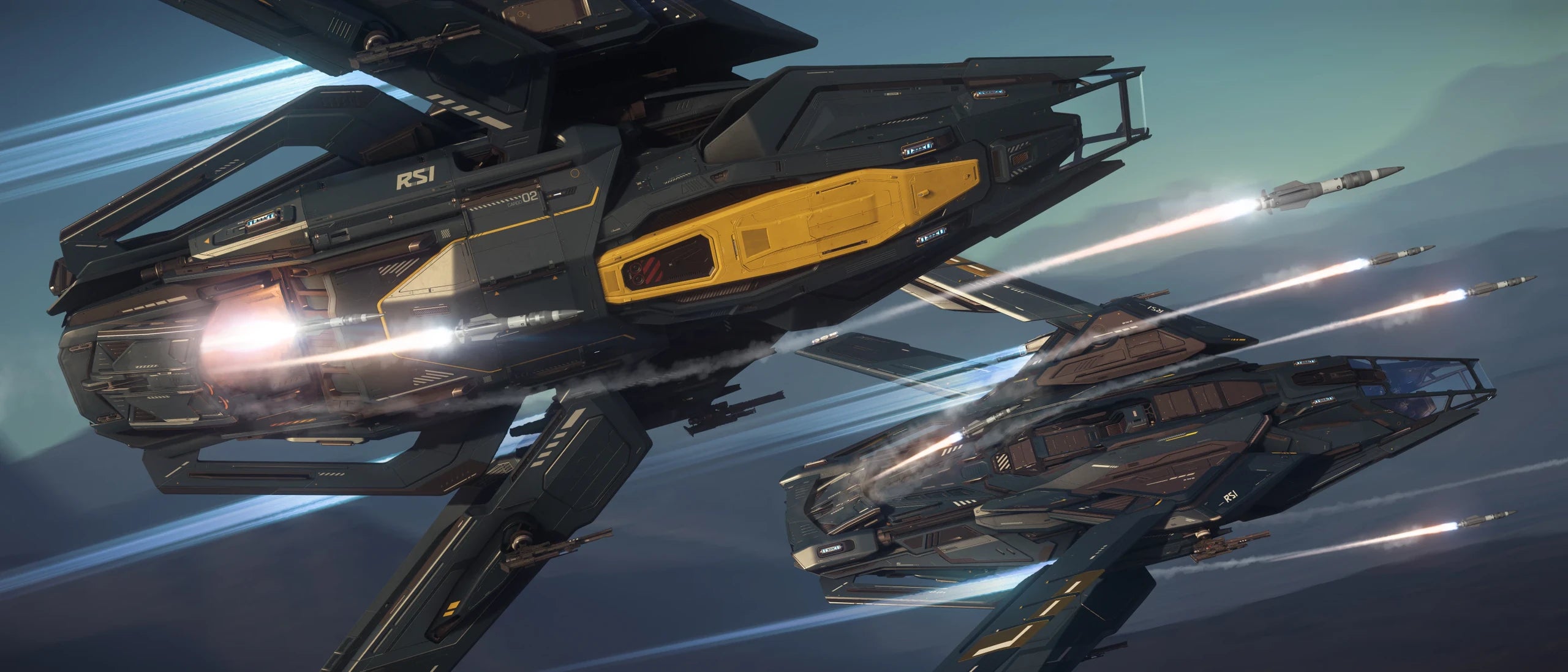
The Aurora MK II keeps the familiar single-seat scale but adds more usable interior space, a rear module position, folding wings, and direct access to its components. Cargo, equipment racks, living basics, and four gun and missile hardpoints make it a broad first ship rather than a fighter with a bed attached.
Modularity before specialization
A rear module can change what the ship brings to a job, while the 2-SCU hold and internal racks keep ordinary cargo and personal equipment separate. Owners can expand its equipment as they learn what work they enjoy before moving to a larger ship.
Development note: The Aurora MK II is flight ready and entered the live game in Alpha 4.7.0. Because Star Citizen remains in active development, specifications, features, and imagery may change over time.
The systems behind a more adaptable Aurora
The rear module mount creates the largest change, but the rest of the ship includes folding wings, accessible components, 2 SCU of freight space, internal storage, living basics, and a flexible defensive loadout.
Four Size 2 gun hardpoints and four Size 2 missile hardpoints give the Aurora MK II a flexible single-pilot combat fit.
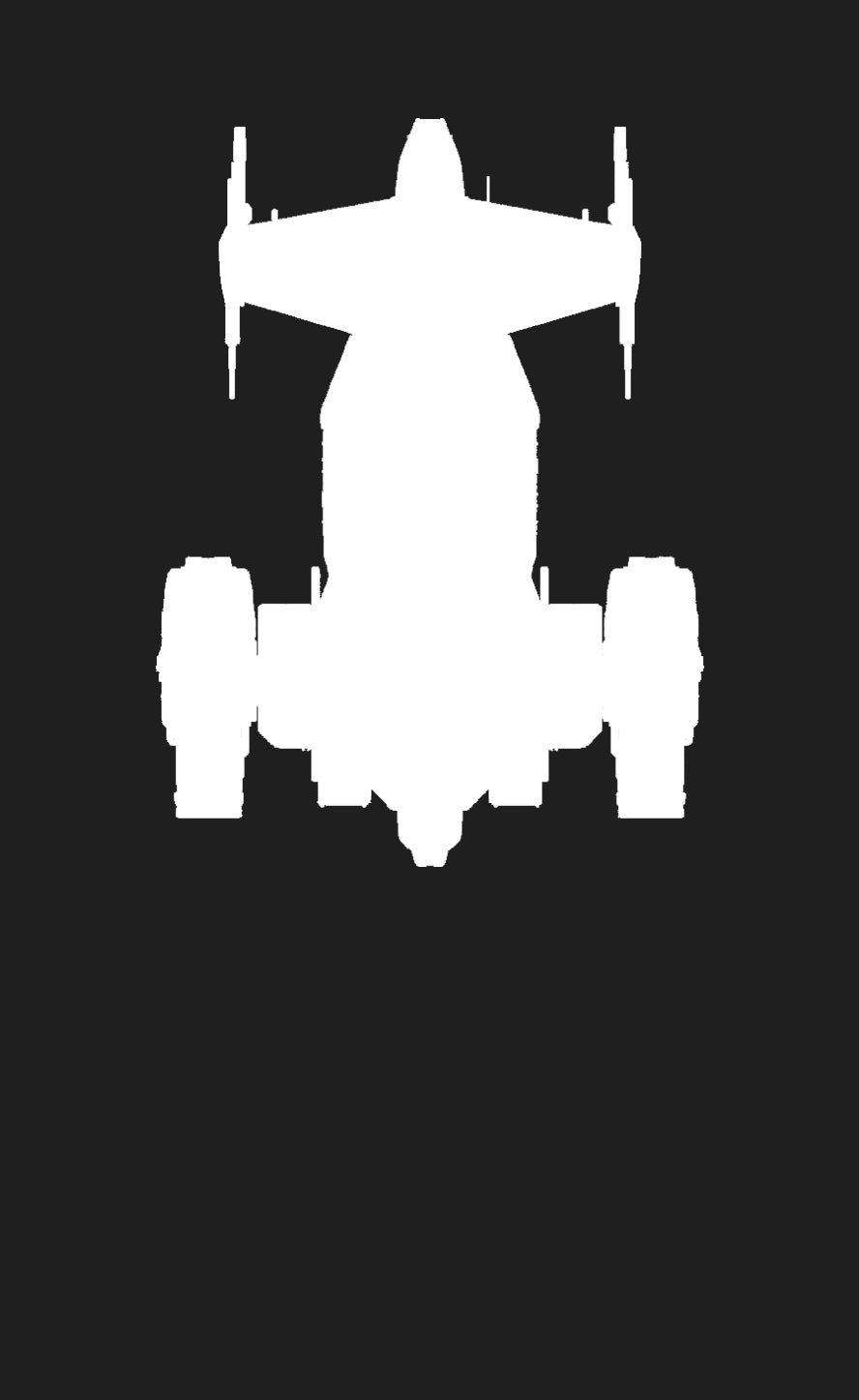
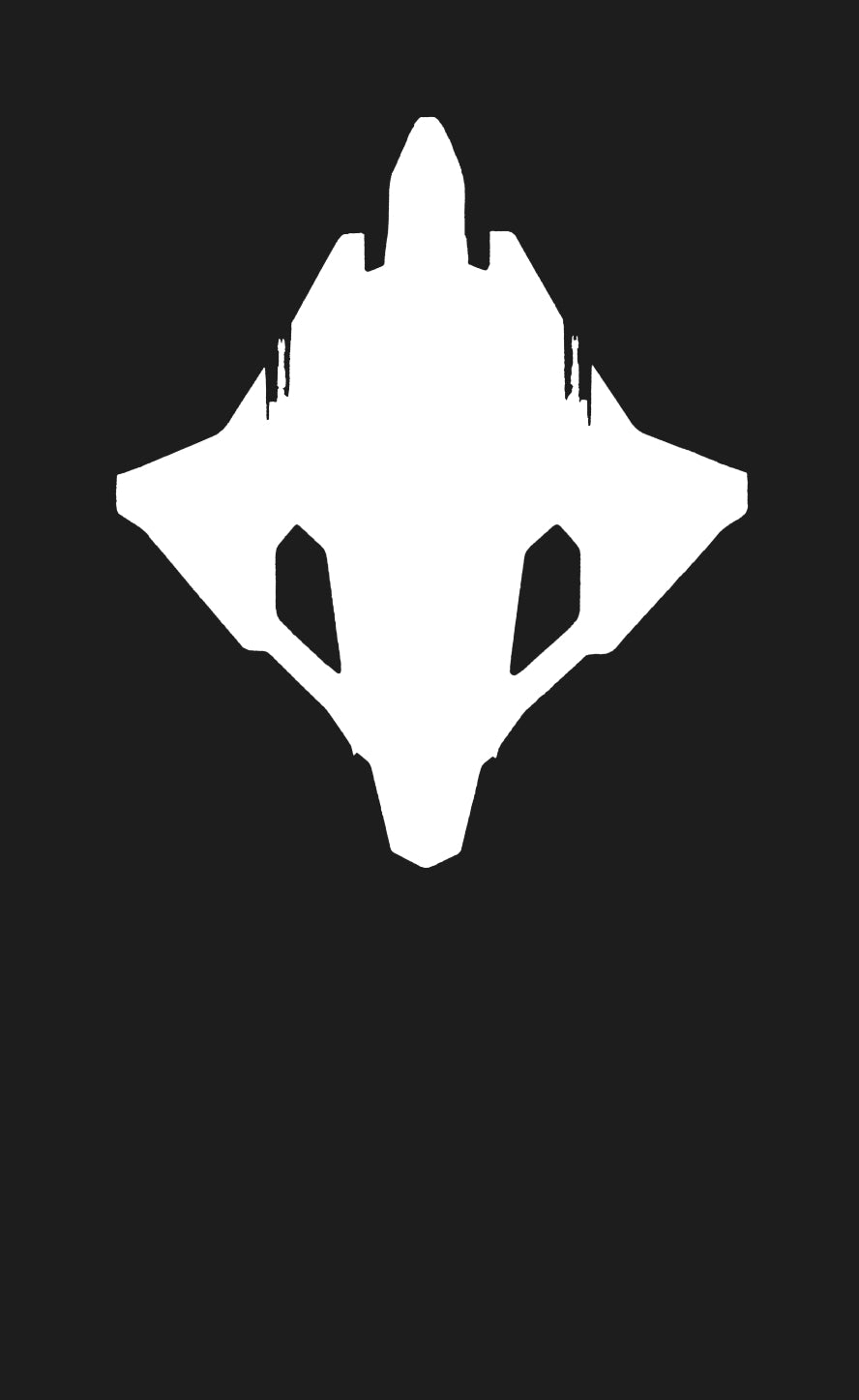
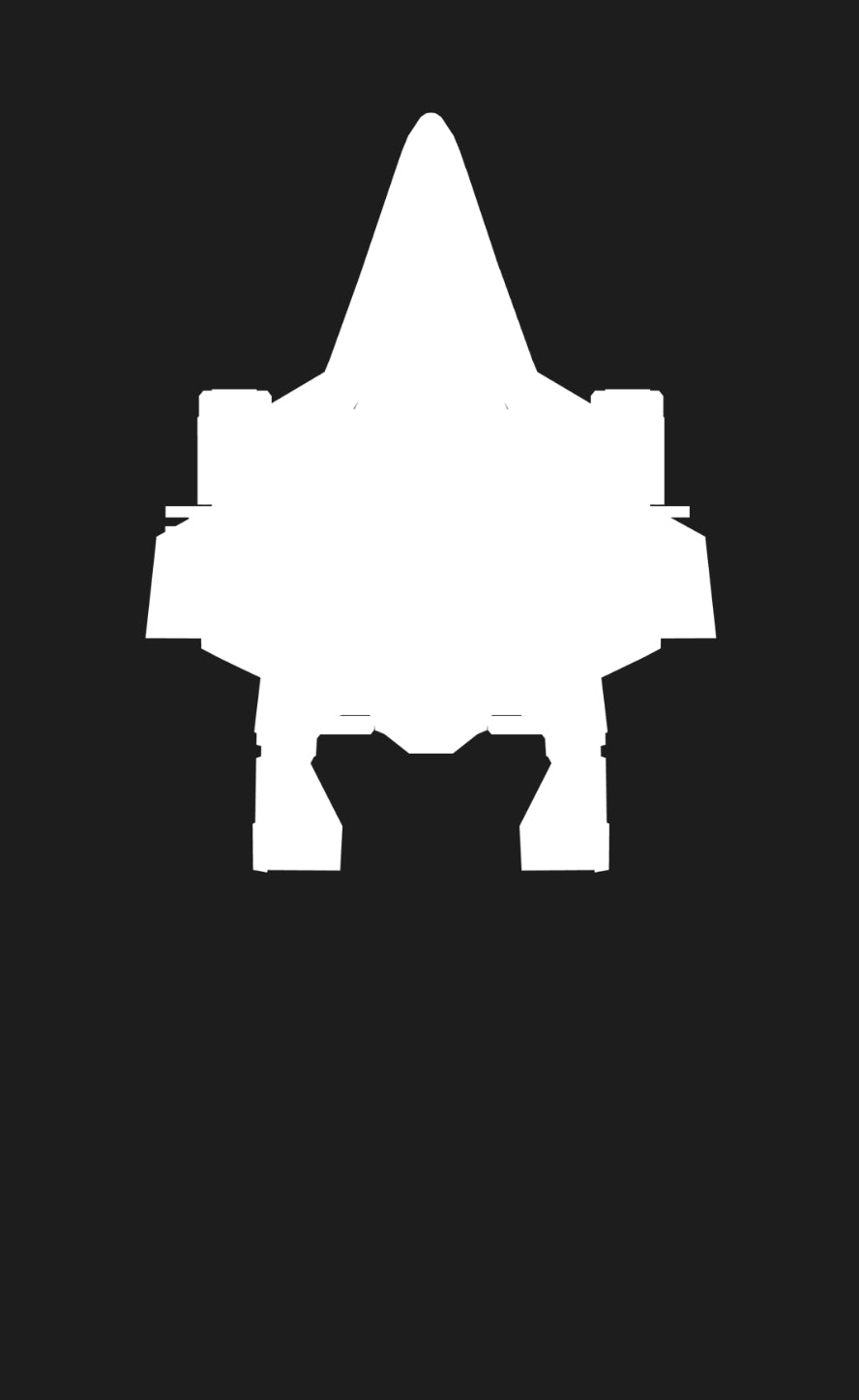
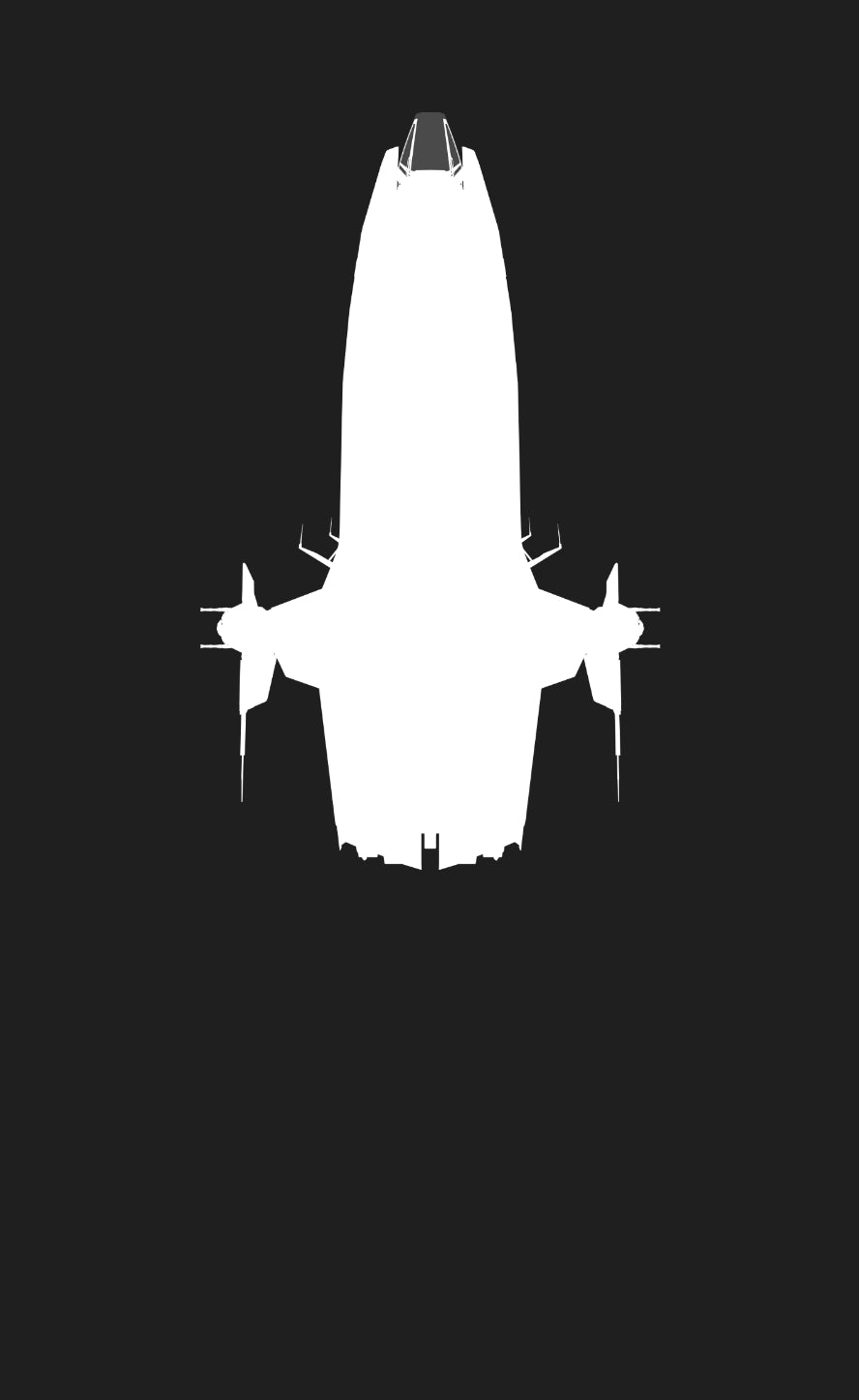
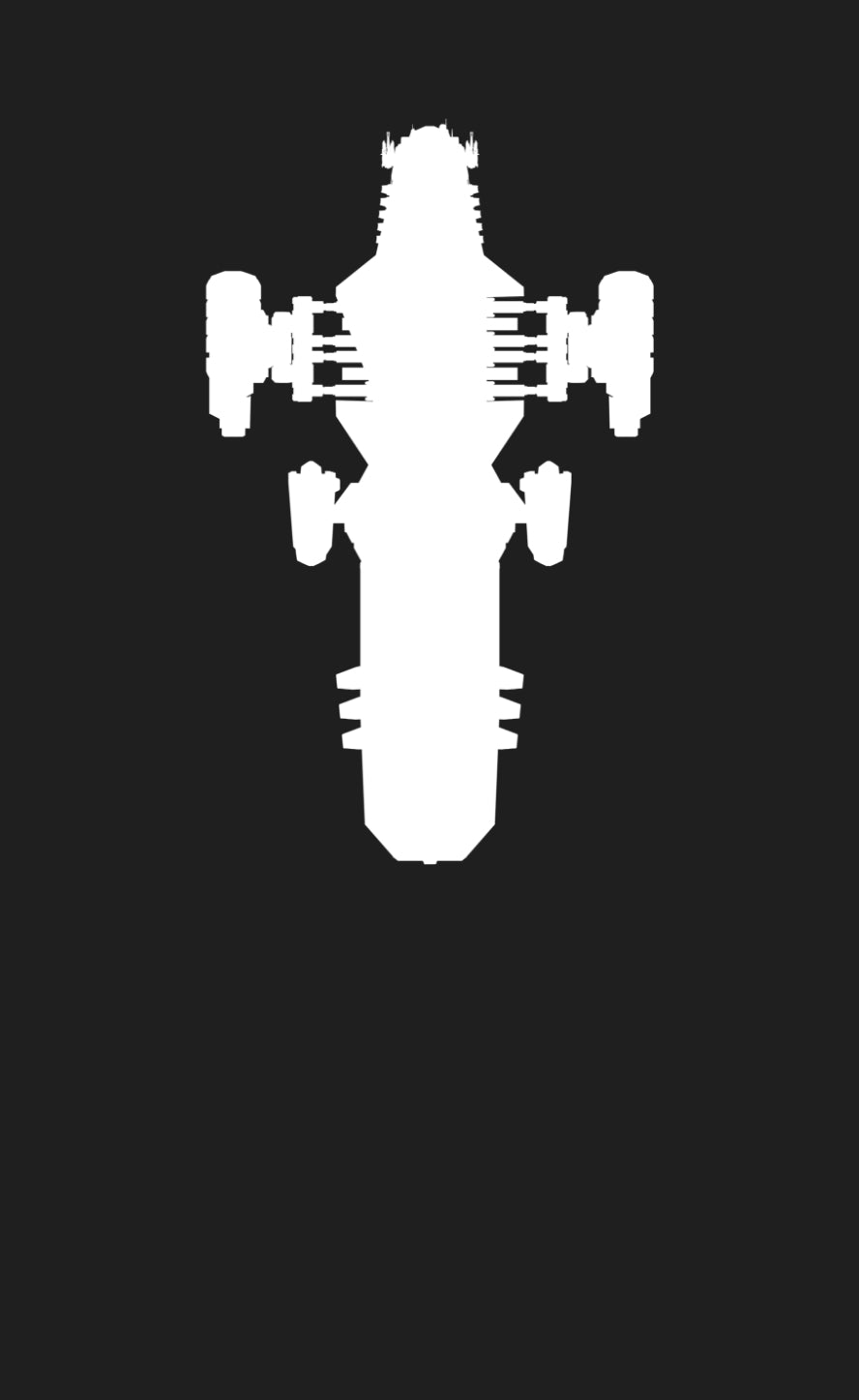
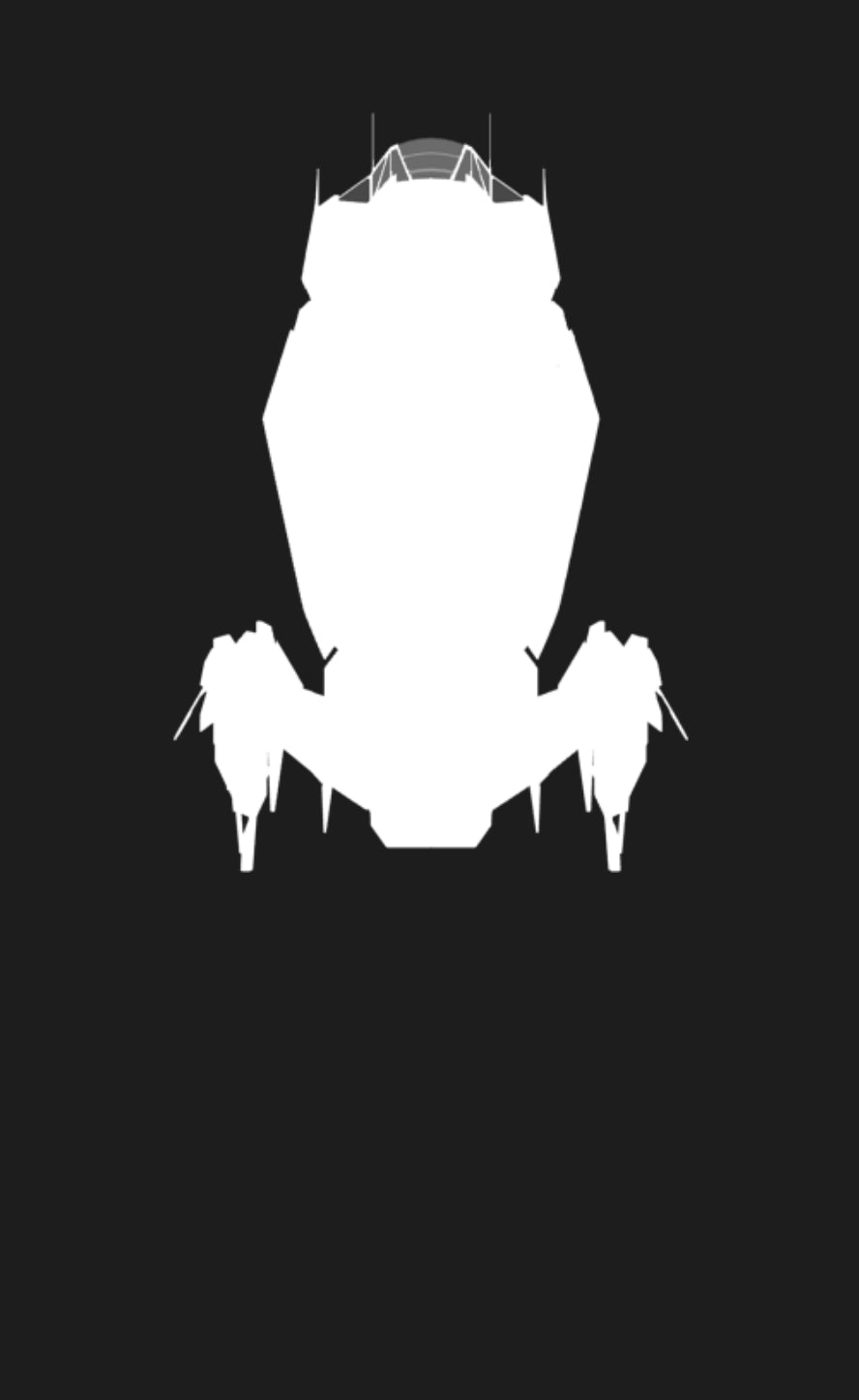
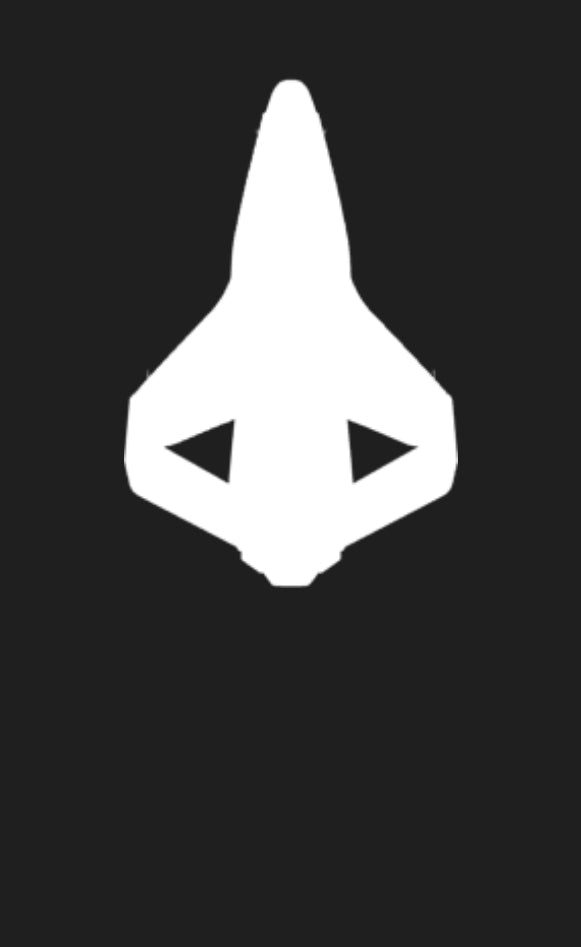
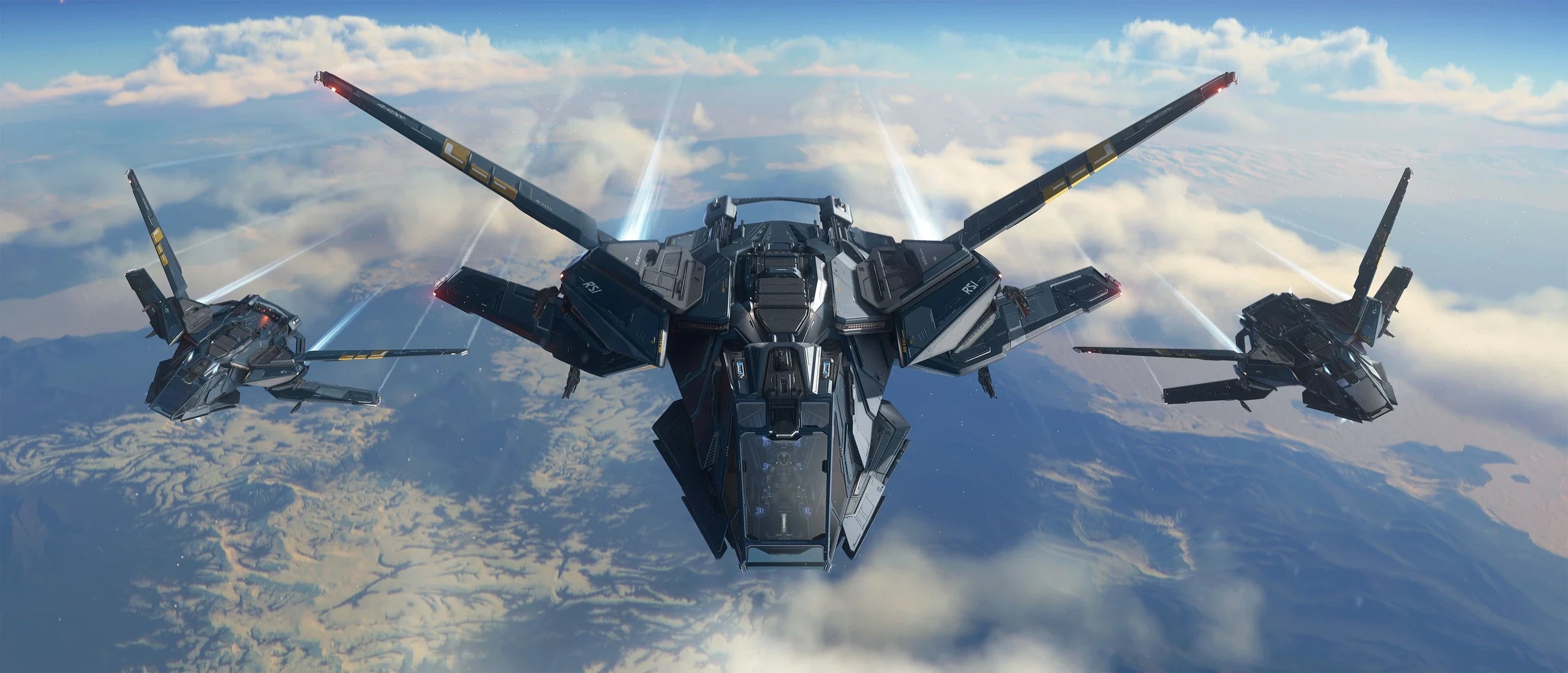
The Aurora has a four-wing design with a backward-swept over-under configuration. The shorter lower wings feature VTOL fans for hovering and landing. All wings can fold back for a compact landing profile, resembling the original Aurora's wings.
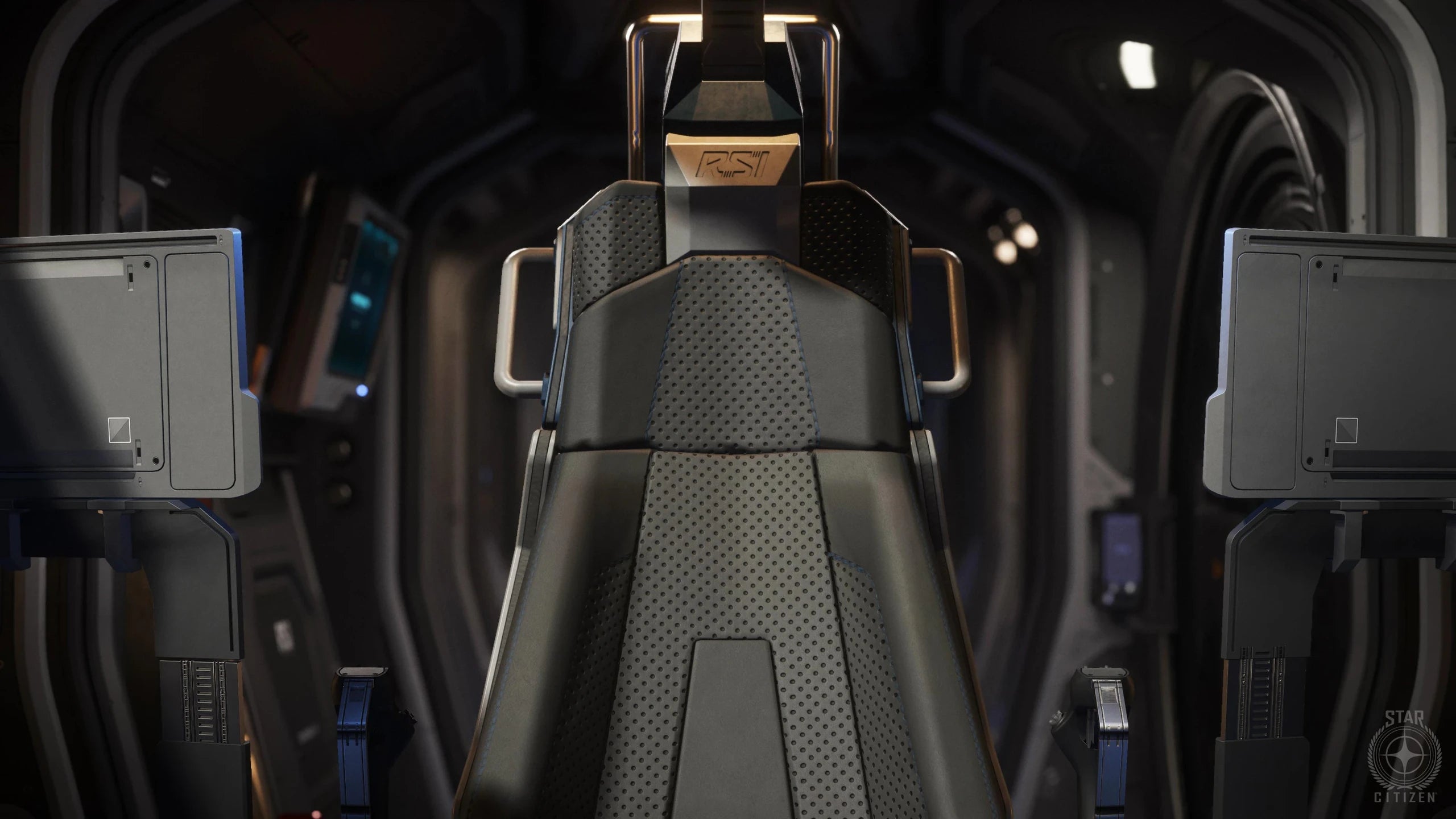
A bed, engineering terminal, suit locker, and personal equipment racks fit behind the pilot seat, giving the compact starter ship the basics for travel beyond a single short flight.
All ship components are readily accessible, including those situated at the top of the ship, which can be reached by climbing the cockpit window from the very front.
Prepare the ship for one primary contract instead of trying to carry everything at once.
Doors, storage, and internal routes keep the Aurora MK II's equipment reachable after the chosen load is aboard.
The rear module mount behind the Aurora MK II
A rear mounting point accepts purpose-built external modules without removing the 2-SCU internal hold, bed, equipment racks, or accessible components. The owner can change the ship's emphasis while retaining the same manageable starter platform.
Rear modular equipment mount
The module should support the contract the owner expects to take rather than becoming equipment carried without a clear use.
The 2-SCU internal hold remains available for cargo while the external module handles the specialist part of the setup.
Removing an unnecessary module returns the Aurora MK II to a simpler configuration for travel, cargo, or another early contract.
Choosing and configuring the Aurora MK II for the work ahead
The Aurora MK II makes the rear modular equipment mount part of a straightforward first-ship experience that still leaves room to discover what kind of work suits the owner.
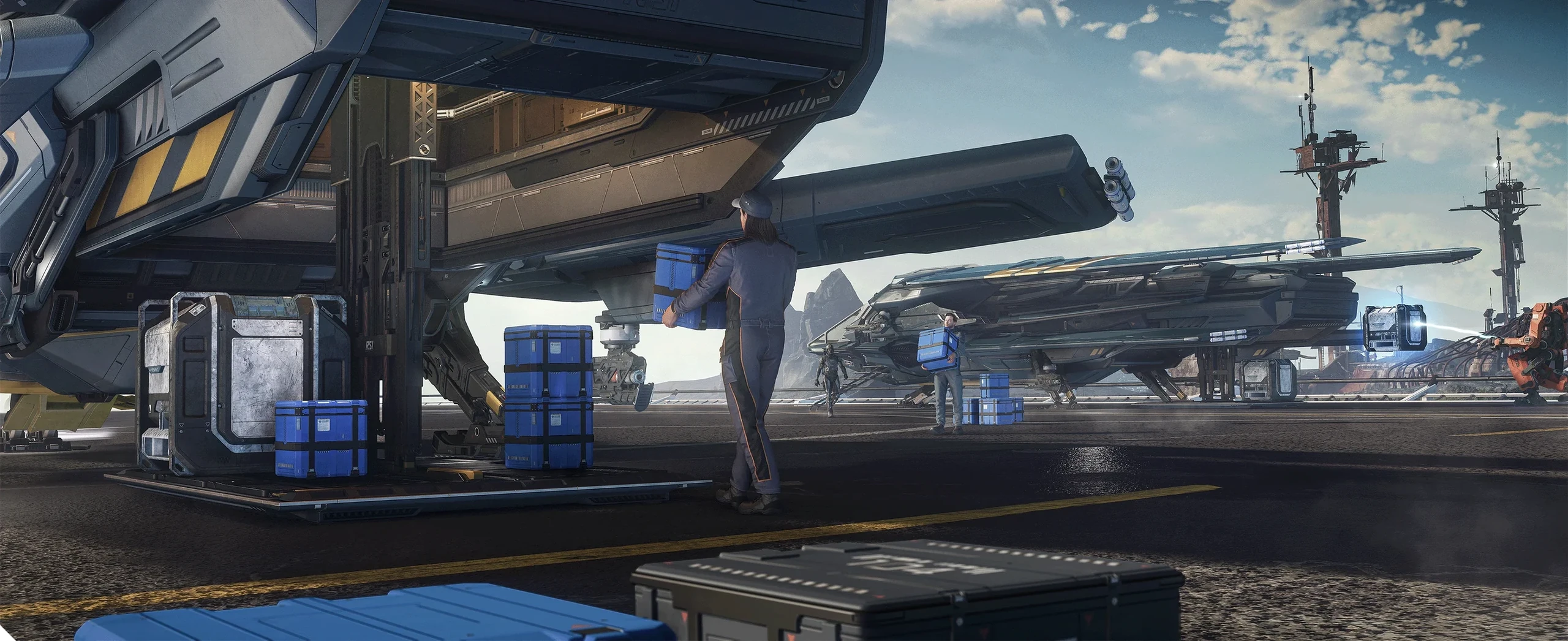
-
Learn the Aurora MK II one system at a time
The owner gives each Aurora MK II trip one leading role before preparing cargo, weapons, or support equipment.
-
Take work that fits the Aurora MK II today
Preparing the Aurora MK II means accepting the tradeoffs of the chosen loadout rather than carrying every option at once.
-
Take the Aurora MK II on its first contract
Aboard the Aurora MK II, the owner configures the rear modular equipment mount around the main contract instead of trying to keep every possible role active at once.
-
Plan the Aurora MK II's fuel, repairs, and upkeep
A proper reset stops the next Aurora MK II contract from inheriting space, supplies, or compromises from the previous one.
First-time ownership with the Aurora MK II
This Aurora is meant to teach more than combat. It can carry a small load, support work after landing, provide a bed between stops, and change equipment around the next contract.
A rear mounting point accepts purpose-built external modules, letting the Aurora MK II change its equipment without giving up the compact starter interior.
A 2-SCU internal cargo hold accepts containers up to 1 SCU, while two small shelves keep personal supplies separate from the main load.
A 1-SCU internal compartment keeps the pilot's equipment and supplies organized behind the cockpit.
Internal racks secure two long weapons, three sidearms or medguns, and three utility tools for work after landing.
Changing jobs
The Aurora MK II keeps flight, everyday work, upkeep, and early contracts manageable for one owner.
Simple controls for new pilots
The Aurora MK II keeps its rear modular equipment mount, basic flight, ordinary upkeep, and early contract choices manageable for one owner.
Aboard the Aurora MK II, access, controls, and essential systems should become familiar before the pilot adds more complex equipment or contracts.
Aboard the Aurora MK II, cargo, equipment, and crew space should support the rear modular equipment mount chosen for this trip.
On the Aurora MK II, fuel, repairs, cargo, and equipment choices help a new owner learn how the ship supports itself.
See the Aurora MK II in action
Watch official footage of the Aurora MK II in action and see it from every angle.
Find your Aurora MK II
Explore in-stock Aurora MK II ships, upgrades, and game packages available from The Impound.