
























Ship Lost Power in Star Citizen? Fuses, Repairs and Engineering Explained
Greyed-out guns, a hot component or a failing relay call for different responses. Here is how to find the fault and give your ship a chance of making it home.
A ship that suddenly loses its guns, shields or thrust can make a routine flight feel very lonely. The temptation is to restart everything and hope. Sometimes the equipment is intact and simply lacks power; sometimes a damaged relay or an overheating component needs attention. Knowing which problem you have gives you a much better chance of getting home.
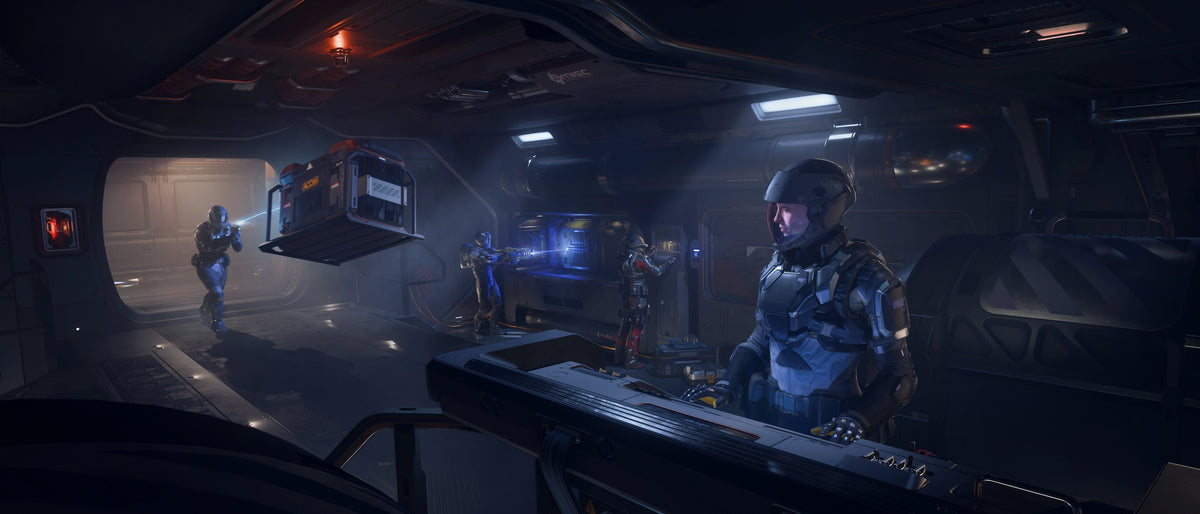
Engineering now affects every vehicle, but the work available to a pilot varies enormously. A fighter puts most of its controls on the cockpit displays. A larger ship may let a crewmate find the fault at an engineering console, walk to the damaged equipment and repair it while the pilot keeps flying. Physical access is still being added across the fleet, so a component shown on a display is not automatically one you can reach by hand.
Start with the systems that still respond
If the cockpit displays are alive, look at the power and diagnostic information before leaving the seat. Check whether the affected system is enabled, whether it is receiving power and whether it reports damage or excessive temperature. Those are separate questions: an undamaged weapon with no available power will not be rescued by a repair beam.
Flight mode belongs in that first check. SCM supports normal combat operation, including weapons and shields; NAV prioritises travel and restricts other systems. A loss of combat capability immediately after changing modes may be expected behaviour. Return to the appropriate mode before assuming the ship has suffered a failure.
Power also has limits within groups of equipment. Weapons, shields and thrusters draw from their respective pools, and a weapon loadout can demand more than its pool can supply. Greyed-out guns can therefore point to an allocation or loadout problem even when the power plant itself is working. Increasing one system’s share also leaves less available elsewhere; on a damaged ship, keeping enough thrust to escape may be more useful than trying to maintain every combat system at once.
The engineering console helps you find the fault
On a ship with a dedicated console, the three views serve different jobs. The Rooms view places systems within the ship’s interior and shows their condition, along with doors and room information. Config is where power production, consumption and temperature become easier to follow. Presets let the crew recall saved power distributions.
A crewmate can use that information to identify a problem while the pilot concentrates on terrain, incoming fire or the route back to port. Solo pilots have to choose a safe moment to leave the controls. Neither arrangement requires an elaborate engineering department, but both benefit from dealing with the specific failed system rather than switching healthy equipment off at random.
| What you notice | What to inspect first |
|---|---|
| Weapons greyed out after changing the loadout | Weapon-pool capacity and power allocation |
| Combat systems unavailable after entering travel mode | NAV versus SCM |
| Several systems performing poorly after damage | Power plant condition, relay fuses and available power |
| A hot component has stopped working | Temperature, cooling and thermal shutdown |
| A component shows physical damage | Repair access, remaining health and suitable tools |
A missing fuse can reduce power without blacking out the ship
Relays distribute resources through the ship, with designs using one, two or three fuse slots. A relay can continue operating with a single working fuse, though missing or damaged fuses reduce its efficiency. That makes a partially functioning ship entirely plausible: some equipment may still work while the available power has fallen.
Where the ship provides physical access, replacing a damaged fuse can recover relay performance. Bring spares before a long trip, especially when other people are relying on the same vessel. But do not confuse a fuse with a repair for the power plant itself. If the plant is damaged, restoring the relay does not undo that damage.
Repairing enough to get home
The Cambio SRT and a Multi-Tool fitted with a Cambio-Lite SRT attachment can repair components using Recycled Material Composite, or RMC. The canister is a consumable, so the right attachment and an empty supply will still leave you unable to finish the job. A working repair kit needs material as well as the tool.
A destroyed component can be restored to a limited working state in flight, but that is an emergency recovery rather than a full overhaul. It will not return to complete health through that field repair, and if it is destroyed again afterwards it cannot be repaired aboard the ship a second time. At that point, continuing the same fight is a very different proposition from making for a station.
Accessible Size 1 and Size 2 components can also be replaced in flight when a compatible spare and room to handle it are available. Size 3 and Size 4 replacements require a hangar and the vehicle equipment controls. Repairing a larger component and physically replacing it are different capabilities; a ship may permit the first without offering the second.
Heat, fire and temporary shutdowns
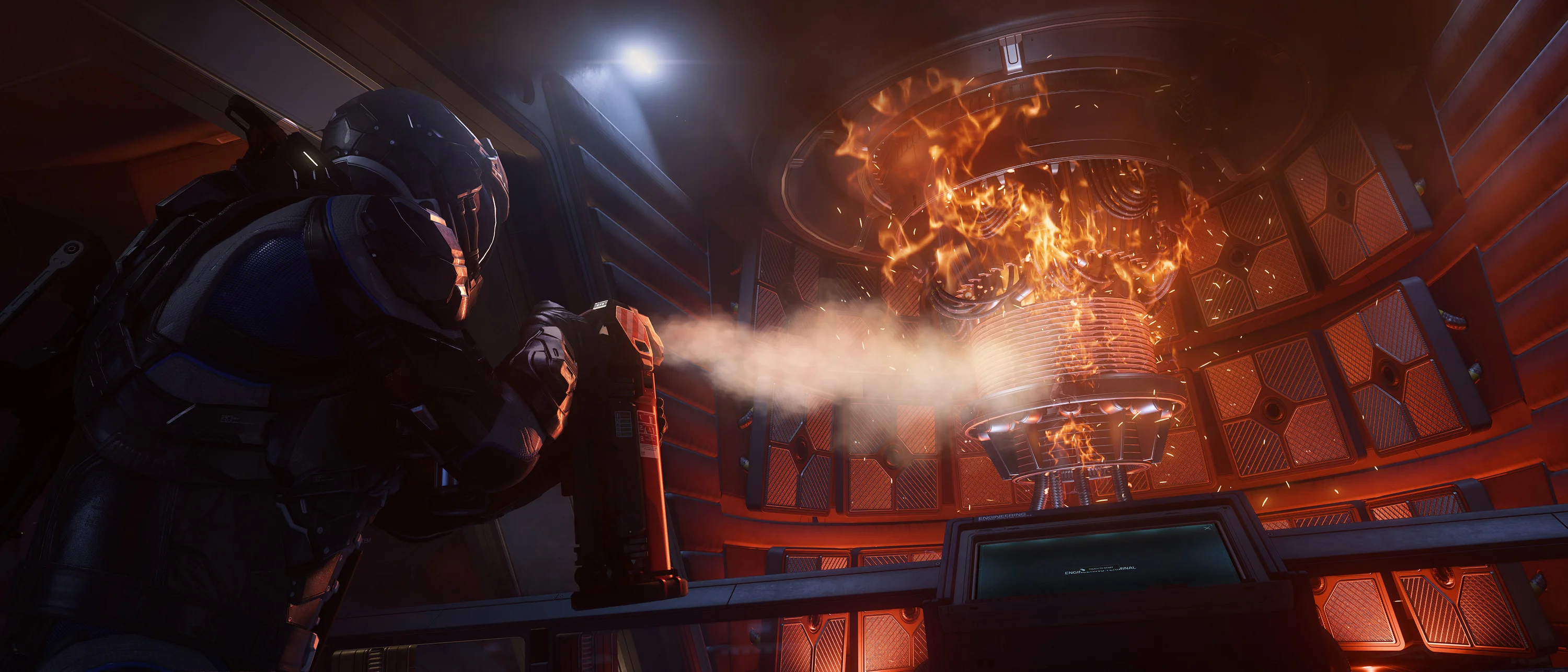
A component that passes its thermal limit can shut down until it cools. Check that cooling is available and reduce the demands you are placing on the ship. Trying to drive everything at maximum output while a cooler is struggling can turn one problem into several.
Distortion damage can also temporarily interrupt components and reduce their output to zero. A temporary shutdown does not, by itself, prove that the part has been destroyed. Health and temperature readings help separate those cases before the crew starts removing equipment.
If there is a fire, an extinguisher gives a nearby crewmate a direct response. A suitably equipped ship can also vent a compartment to remove oxygen, but anyone inside needs to be protected before that happens. Tell the crew what you are about to do: putting out a fire is little comfort to someone whose breathable atmosphere disappears with it.
Some fires are bugs, not poor engineering
The current Alpha 4.10.1 known-issues list includes unexpected fires in the Cutter’s quantum drive and the Corsair and Asgard’s coolers, with no workaround listed. If your incident matches that issue, do not assume a different power preset will permanently cure it. Deal with the immediate danger and use the current support guidance when deciding whether to take that ship out again.
Leave with the equipment your ship lets you use
For a ship with accessible engineering spaces, a repair tool, filled RMC canisters, spare fuses and a usable extinguisher cover several of the failures most likely to interrupt a journey. Compatible spare components make sense where the ship can carry and install them. A single-seat pilot has fewer options in flight and should pay particular attention to the cockpit’s diagnostics and available repair controls.
The satisfying part of engineering is that a damaged ship can still be a ship you bring home. A crewmate restoring power while you limp towards a landing pad is a better ending than losing the vessel because nobody knew what had stopped working. The aim is to recover enough capability for the situation in front of you, then give the ship the proper attention it needs at port.