




























RSI Launcher 2.18.1: Fixing 5009, 5008 and 5010 Errors
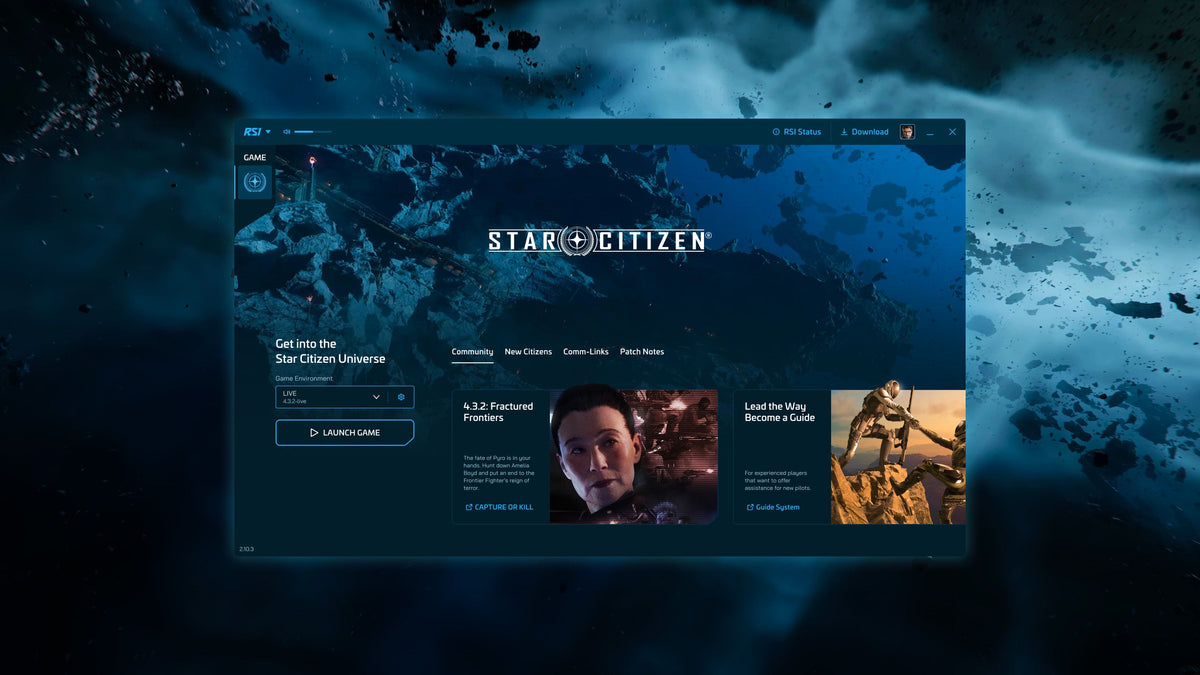
Get past a failed Star Citizen download with the right repair for the error, without jumping straight to a full reinstall.
A failed patch can swallow the time you had set aside to play before you even reach a hangar. RSI Launcher 2.18.1, released on 6 October, tackles one particularly aggravating cause: download and patch operations now run in isolated processes to address 5009 errors and files remaining in use after a cancellation. It also fixes memory building up when downloads are repeatedly paused and resumed.
That does not make every 50XX message the same problem. A missing folder, an incomplete download and a damaged game archive need different responses. Start with the error you actually have, keeping your existing game files intact wherever possible.
Start with the correct installation
- Close Star Citizen and fully exit the launcher. Check the Windows system tray; closing its window may leave it running. If necessary, use Task Manager to confirm that the launcher and game have stopped.
- Reopen the current launcher and go to Settings → Games. Select the affected environment, such as Live or PTU, and check its installation path. Repairing Live will not repair a separate PTU installation.
- Use Verify for that environment and let it finish. This checks the installed files before you commit to downloading the entire game again.
If the error returns, keep its number and the operation that triggered it. An error during the initial download points you towards a different part of the process from one that appears while applying a patch.
Error 5009: the launcher cannot write or update a file
5009 is an input/output error. File permissions and a missing installation folder are among the causes described in RSI’s support guidance. The 2.18.1 process change also addresses files being left in use after cancelling a download, so make sure you are using the updated launcher before repeating an older workaround.
Check the install location selected in the launcher. If the expected StarCitizen folder or the selected channel’s folder has not been created, create the missing folder in that location. Do not create a second installation somewhere else simply because an example uses a different drive letter.
If the location is correct and the problem persists, fully exit the launcher, then right-click its shortcut and choose Run as administrator before retrying the installation. This is a targeted permission check, not a reason to disable Windows security or change permissions across an entire drive.
Error 5008: an incomplete download
5008 can follow a connection interruption or incomplete game data. After checking the correct environment and attempting verification, the official recovery procedure can help the launcher resume work on an existing archive rather than treating it as complete.
- Fully close the launcher.
- Open the affected environment’s installation folder and look for
data.p4k. - If that file exists, rename it to
data.p4k.part. Enable file-name extensions in Windows Explorer so that you can see and change the actual extension. Do not add a second.partto a file that already has it, or overwrite another file with that name. - Run the launcher as administrator and select Install for the same environment. Allow the download and verification process to complete.
This procedure is specifically for the incomplete-download case. It is not a routine maintenance step, and it does not require deleting the archive first. If the folder contents do not match these instructions, stop and use the support route below rather than guessing which large file to remove.
Error 5010: verify a damaged game archive
5010 indicates a problem with the P4K archive. Start with the launcher’s Verify option for the affected environment. A clean reinstall may be necessary if verification cannot recover it, but that is the last step in the official guidance, not the first response to every patch failure.
The 2.18.1 notes also list a folder-creation issue that can produce 2000, 5008 or 5010. If the launcher has failed to create the StarCitizen or Live folder, check that before assuming the entire download is corrupt. Error numbers narrow the search; the state of the installation still matters.
If the download never finishes
An endless download remains a listed known issue, tracked as LCH-1958. The release notes do not provide a confirmed universal fix. Repeatedly cancelling, clearing everything or reinstalling the whole game should not be presented as a guaranteed cure.
Collect the launcher log and describe what happens: whether progress loops, which environment is affected, and whether the failure occurs during downloading or patching. Use Get Logs in the launcher’s application settings, or find log.log under %appdata%\rsilauncher\logs. Send logs through the private support process rather than posting account information publicly.
Two display problems with different remedies
The update fixes the launcher becoming invisible after a monitor or display change, tracked as LCH-2823. A small black rectangle in the lower-right corner is a separate known issue: turning off the overlay notification in notification settings is the documented workaround.
Background flickering is also still listed, with accessibility settings discussed as a possible mitigation. It is not an installation failure, and changing those settings should not be mixed into a 5009 repair procedure. The launcher also continues to prevent the screensaver from starting while it runs.
For most players, the useful order is straightforward: update the launcher, check the channel and path, verify, then follow the branch for the actual error. A targeted repair gives you a better chance of keeping the files you have already downloaded—and getting back to the flight you had planned.