



























 TRUSTPILOT REVIEWS
Join thousands reviewers who rated our store!
 TERMINOLOGY
Visit terminology page to find out what's the difference between OC, CCU, CCU'ed and more
 LOANER MATRIX
Unsure if the ship you are purchasing is flight ready? Check the official Loaner Matrix!
CHECK NOW
Buying Upgrades? Make sure you are getting a correct one!
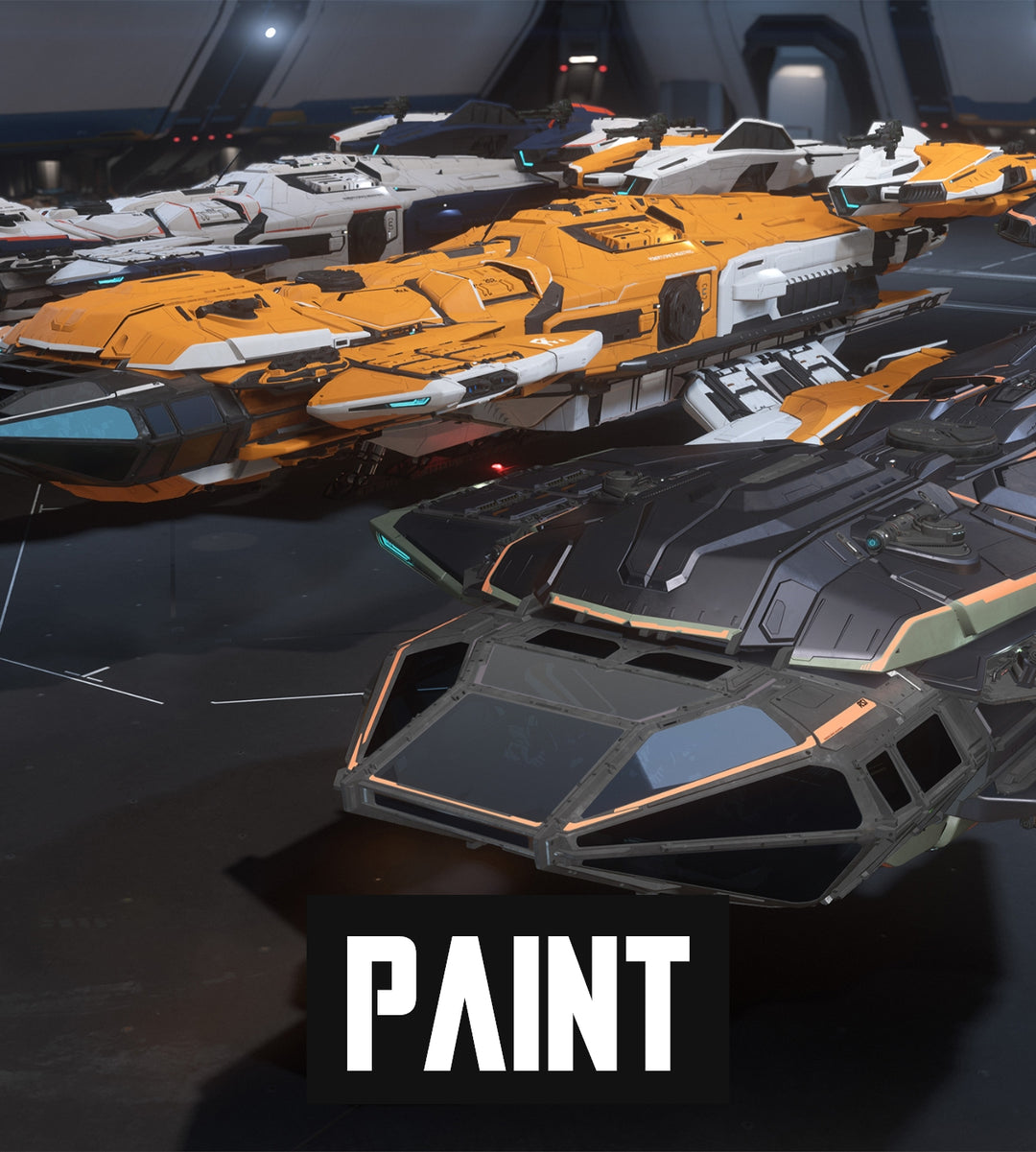
Constellation - 6 Paint Pack
- Quick Delivery
- In stock, ready to ship
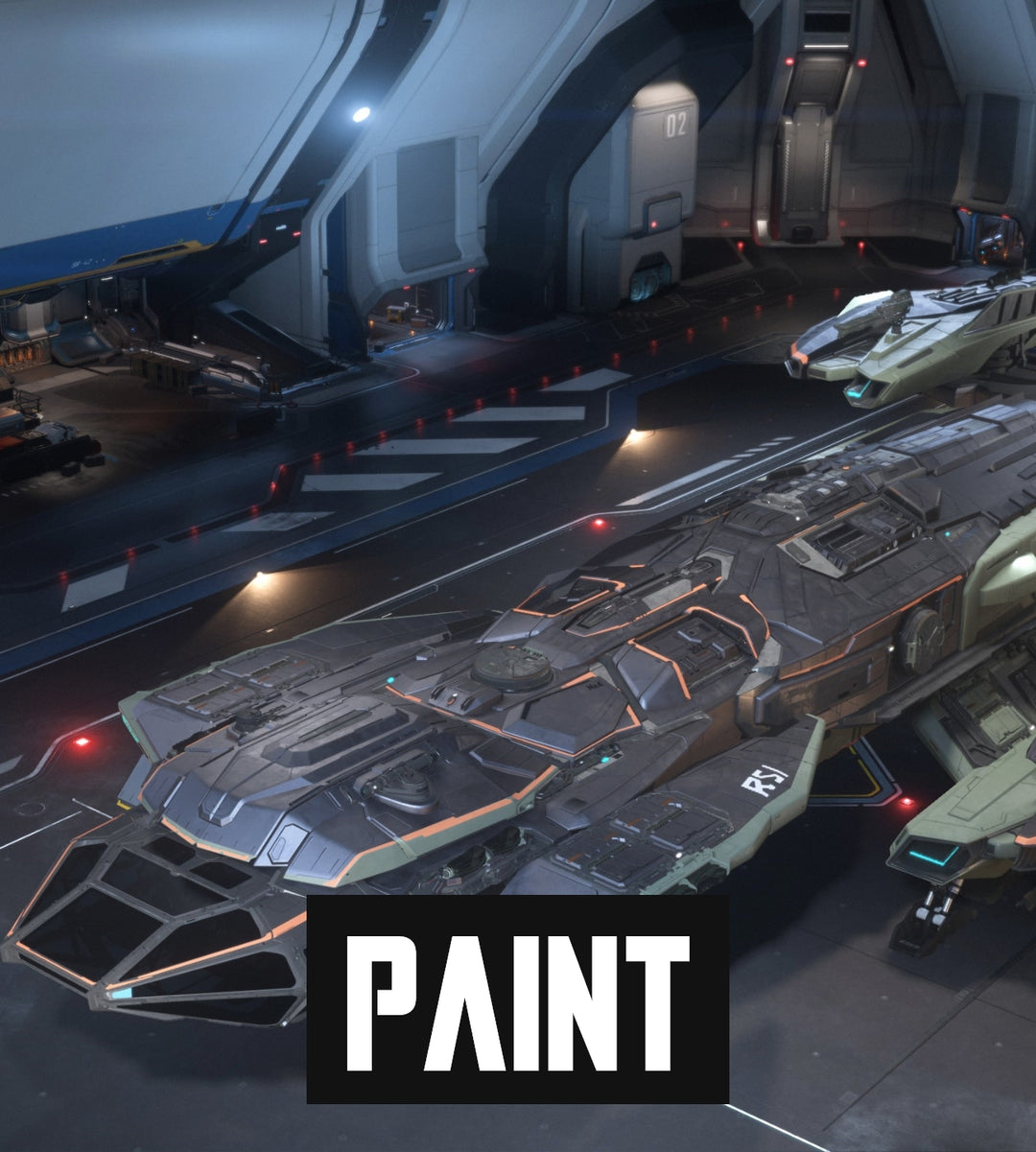
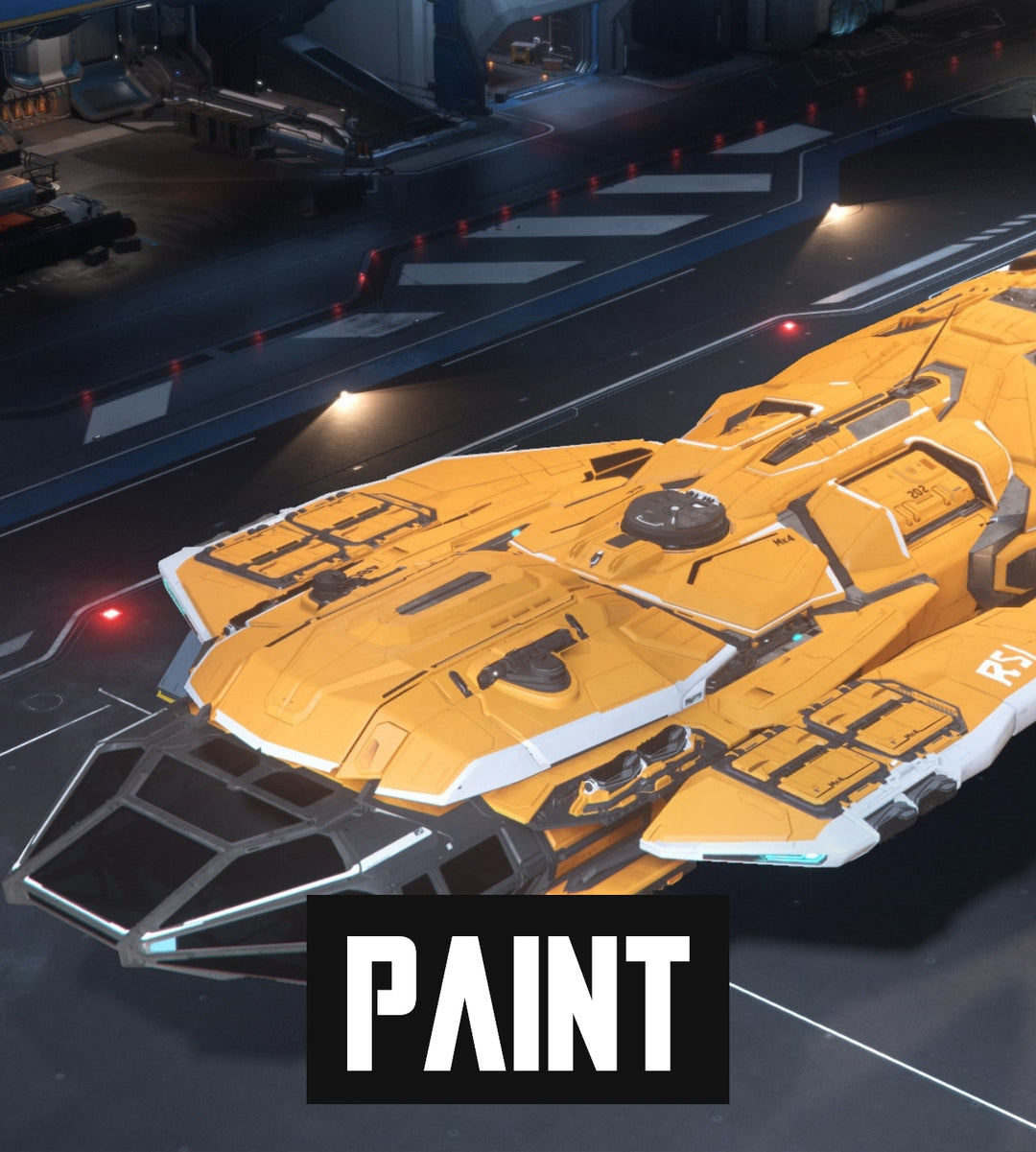
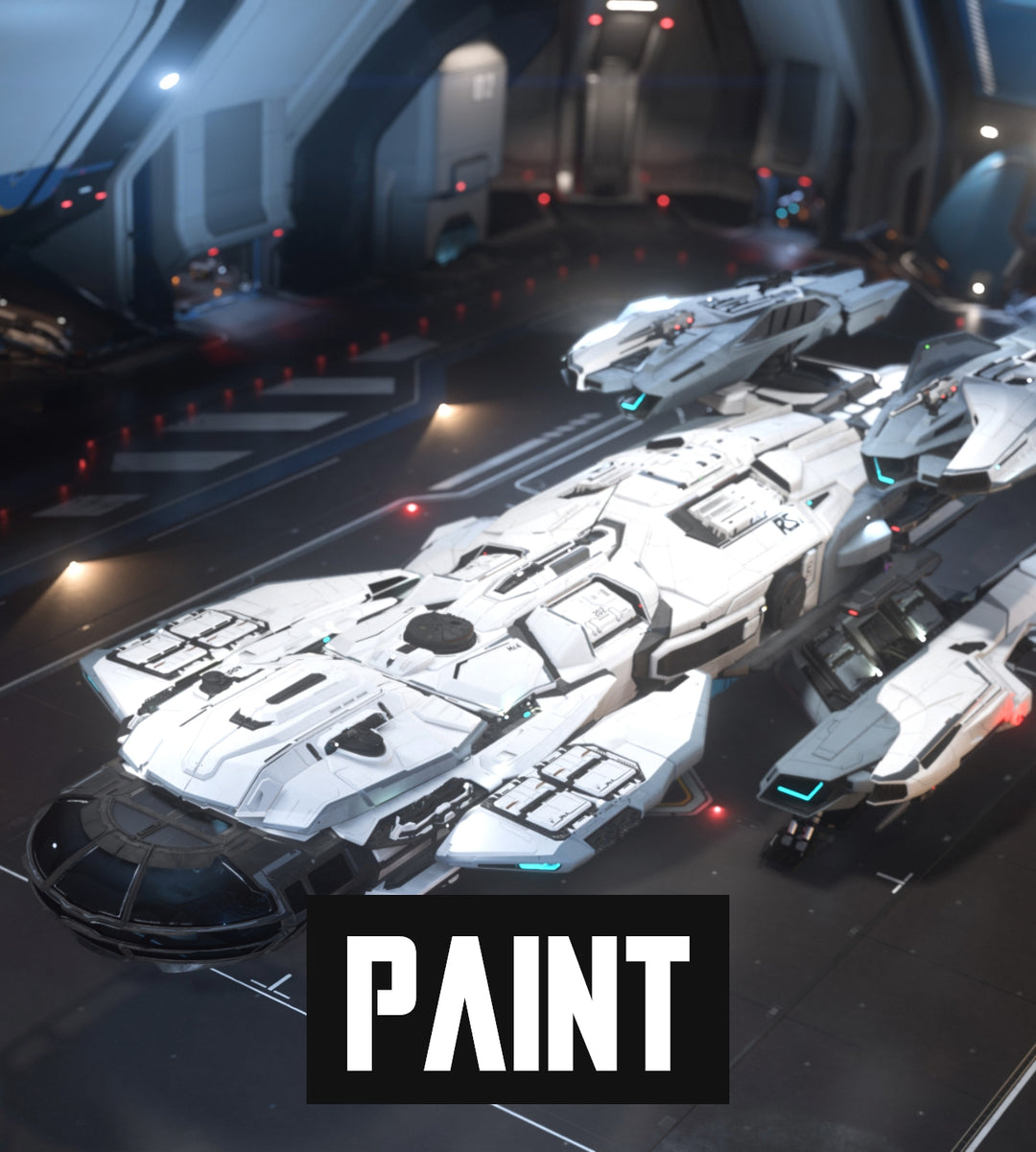
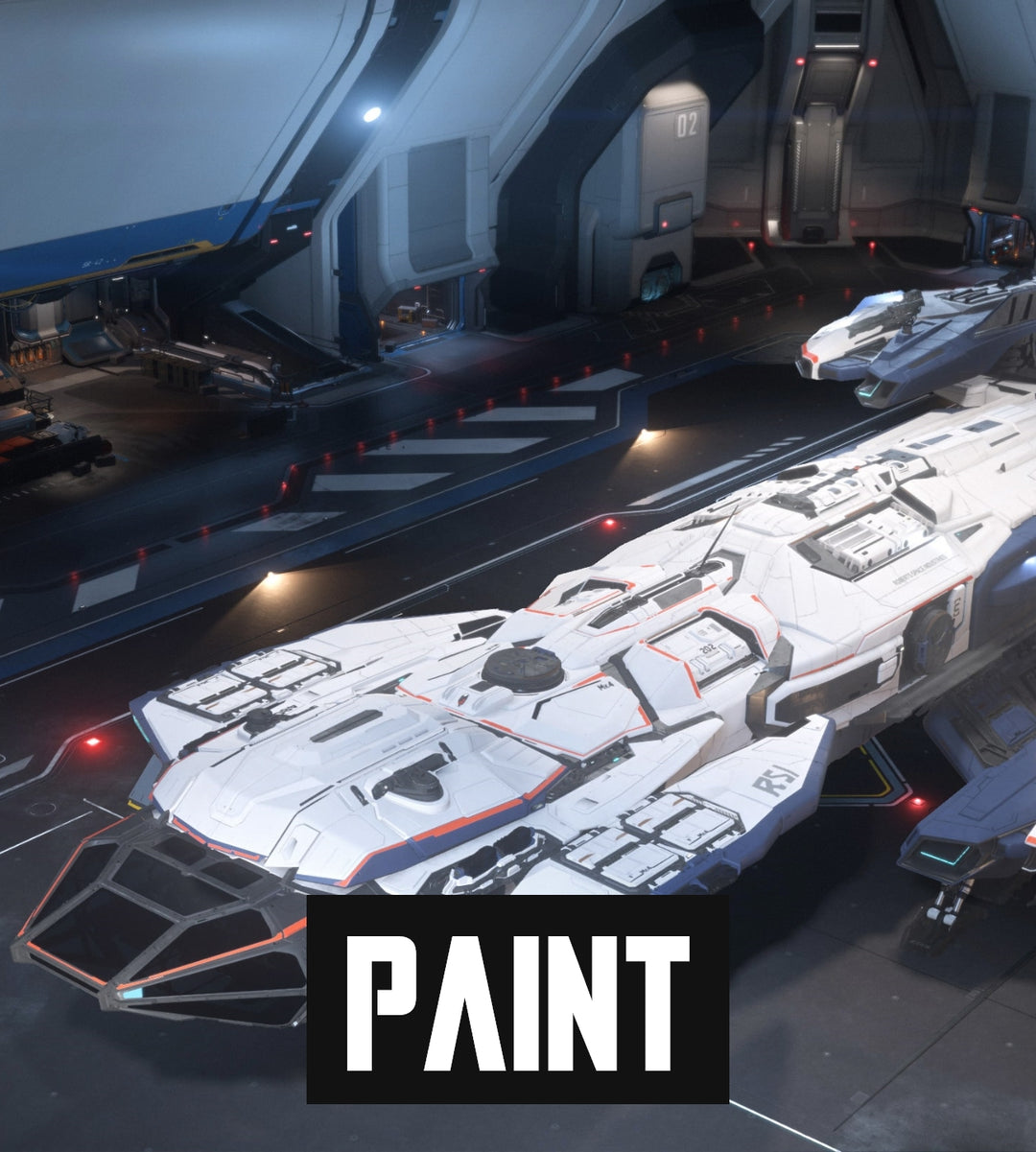
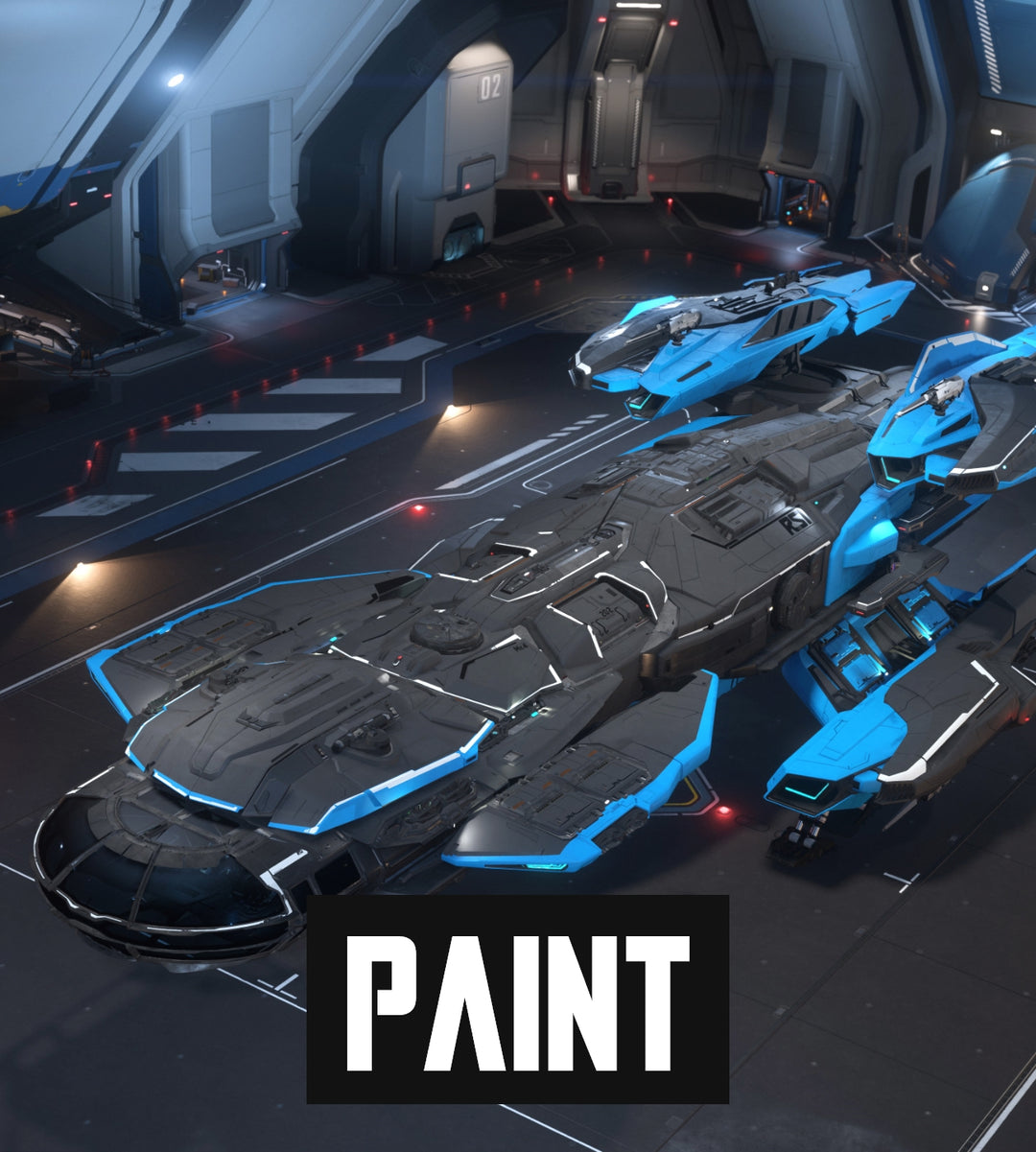
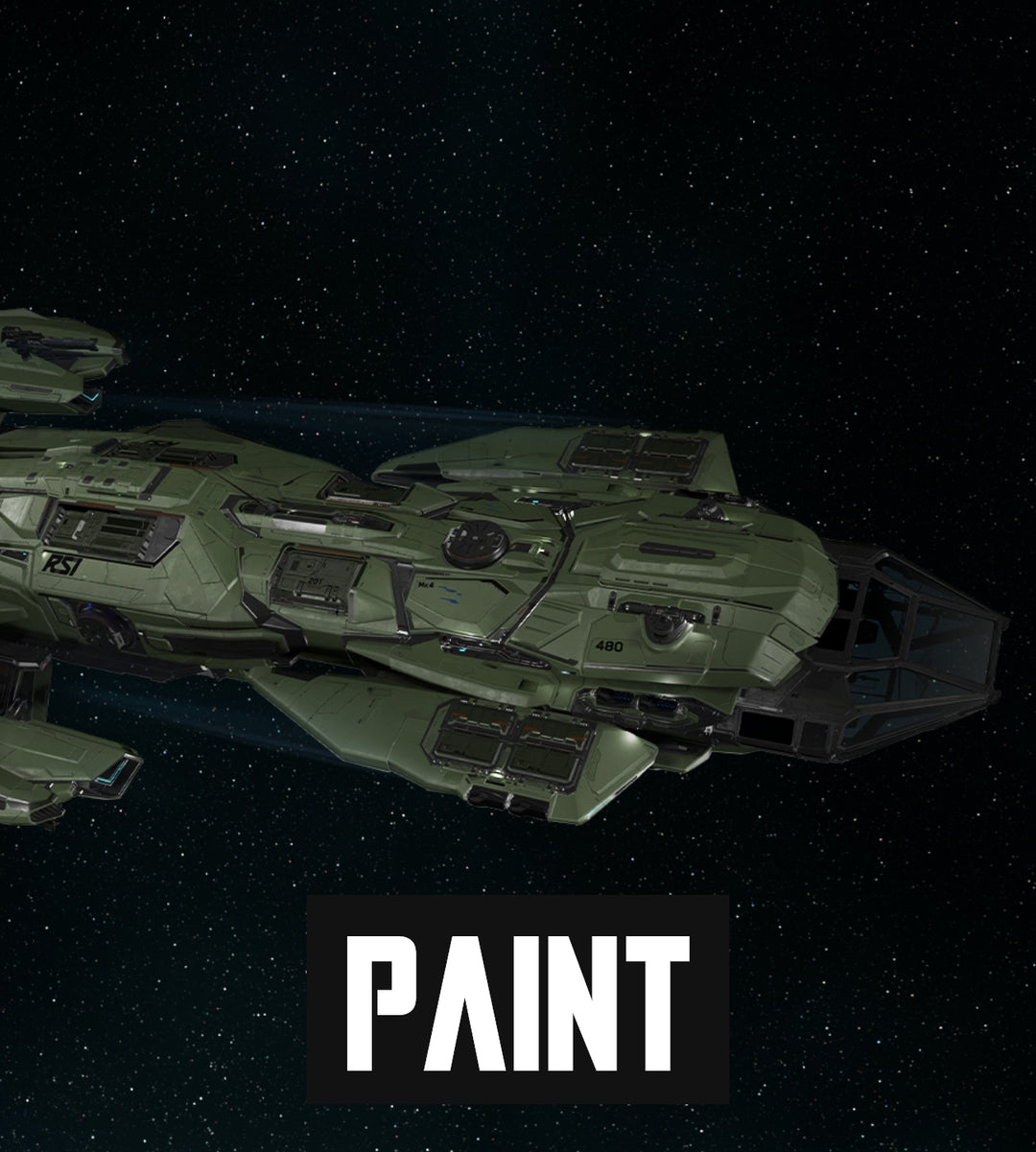
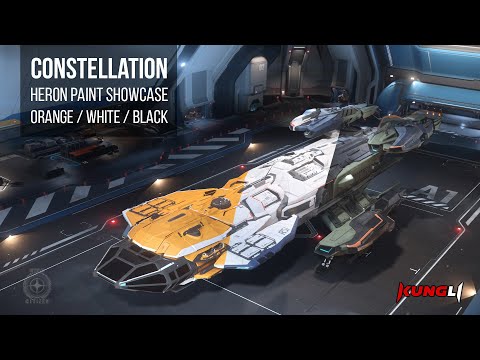
The Constellation is iconic, but you can make it your own with these six distinct paint schemes to complete your fleet. These paints are compatible with all Constellation variants. These paints are compatible with all Constellation variants. Constellation Paint - Stormbringer. Constellation Paint - Polar Paint. Constellation Heron White Paint. Constellation Heron Black Paint. Constellation Heron Orange 2950. Invictus Constellation Dark Green Livery.
This Star Citizen Constellation - 6 Paint Pack is a cosmetic paint / livery for the Constellation. It changes the ship's look only and does not include the ship itself.
What you're getting
- Item type: Paint / skin
- Game: Star Citizen
- Compatible ship: Constellation
- Compatible ship manufacturer: Roberts Space Industries
- Delivery: RSI Gifting System
Included paints
- Constellation Paint - Stormbringer
- Constellation Paint - Polar Paint
- Constellation Heron White Paint
- Constellation Heron Black Paint
- Constellation Heron Orange 2950
- Invictus Constellation Dark Green Livery
Why choose this paint?
Choose this paint pack if you want multiple paints for your Constellation. It is a cosmetic add-on and does not include the ship itself.
Purchase notes
- This is a digital item for Star Citizen, not a physical product. Delivery is completed through the RSI gifting system.
- This listing is for the paint / livery only. It does not include the ship.
- Specs and availability can change while Star Citizen develops; The Impound is independent and not affiliated with Cloud Imperium Games, Roberts Space Industries, or Star Citizen.
- You must own a copy of Star Citizen in order to access the game itself, and are required to have an account in order to accept this item.
- In case you need any help or support, please contact us via email at support@theimpound.com or Discord for live chat assistance.
- Item will be delivered within 12 hours ( usually much faster, our current average delivery time is less than 20min ) after payment is cleared.
- Easy to follow instructions are sent with every purchase
- All ships/items can be gifted only one time, so when you claim the ship it will be bound to that account. So be careful to be logged into the correct RSI account when you redeem your email about "gift" containing the transmitted ship/upgrade.
- Make sure to be logged into the RSI account where you want to receive the item in the same browser before you claim the gift. We are not responsible if you claim the item in the wrong RSI account.
Accounts Delivery
- Accounts are delivered differently from other items.
- Once account is purchased you will receive an email with login information and instructions on how to secure it.
- Complete Buyer Protection:
When you make a purchase through our website, you can shop with confidence, knowing that all items are covered by our comprehensive buyer protection program. We guarantee that you will receive the exact item you ordered, or you will be entitled to a full refund. Your satisfaction and peace of mind are our top priorities. - Persistence Across Game Wipes:
All ships and vehicles and items purchased from us are protected from patch wipes in Star Citizen (unless stated otherwise in the description). This means that with each new game patch, your purchased ships and vehicles will remain in your account, even if items acquired through in-game methods are removed. Enjoy uninterrupted access to your fleet, regardless of game updates. - Loaner Ships for Unavailable Items:
Some of the ships, vehicles, or items in our catalog may not yet be available in the game. In such cases, you will receive a loaner ship or vehicle to use until the correct item becomes available in the game. If you are unsure whether the item you're interested in is currently "flight-ready," please don't hesitate to reach
out to our team for clarification.
Please note that this is your responsibility to check if the ship or an item is available to use in game!
You can find the up-to date loaner matrix HERE - FPS Gear and Item Recovery:
Items such as armors, weapons, and other FPS gear (that can be carried in your inventory) are subject to loss upon death in the game. However, these items will automatically be restored to your inventory with the release of the next patch. CIG is actively developing a claim system that will allow you to recover these items without having to wait for a patch, offering even more convenience and flexibility in the future. More info can be found HERE - Visual Differences
All images, renders, videos, and visual media displayed on https://theimpound.com/ are provided for illustrative and reference purposes only. Star Citizen is an actively developed live service game, and the appearance, functionality, specifications, and presentation of ships, vehicles, items, and other digital goods may change at any time at the sole discretion of Cloud Imperium Games.
The Impound does not guarantee that the in-game appearance or behaviour of any digital item will exactly match the images or media shown on this Site. Variations in lighting, materials, textures, animations, user settings, game updates, and development changes are not grounds for refunds, returns, or disputes once the digital item has been delivered and claimed.
By completing a purchase, the buyer acknowledges and accepts that visual differences between promotional images and in-game assets do not constitute non-delivery or an incorrect item.

How to buy and apply Upgrades

Buy the CCU
First buy the CCU you want from the upgrades section and wait for delivery through the RSI gifting system.
Locate it in your hangar
After purchase, go to the My Hangar section on the RSI website and locate the CCU in your hangar list.
Apply the upgrade
Expand the CCU details, click Apply Upgrade, confirm the details, and finalize the upgrade.
How to buy and apply upgrades
Keep your order details beside you while you check the ship names. A variant, edition or generation suffix can make the difference between a matching upgrade and one you cannot use.
Purchase the CCU
Before anything else, you must first buy the CCU you want.
- ✓Head over to our upgrades section.
- ✓Find the upgrade to the ship you want to upgrade to and choose the correct source ship from the drop down menu.
- ✓Complete the purchase.
- ✓Wait for the delivery via RSI gifting system. In most cases you should receive an email with the gift link in a few minutes.
- ✓Claim the upgrade by logging in on the RSI website and then clicking the gift link.
Locate your CCU in your hangar
After purchasing, your CCU will be sent to your online hangar.
- ✓Go to the My Hangar section on the RSI website.
- ✓Browse through your hangar's list until you find the CCU you just purchased.
Apply the upgrade
Now that you've located the CCU, the next step is to apply it to your ship.
- ✓Click on the arrow located next to your CCU to expand its details.
- ✓Find the Apply Upgrade button and click on it.
- ✓You'll be taken to a page that will show both your current ship and the ship you want to upgrade to. Confirm that the details are accurate.
- ✓Click Next to move on to the final step.
- ✓Check the selected pledge and target model. Complete the password confirmation to apply the upgrade, then check the updated pledge and its upgrade history in My Hangar.
Important notes
Always make sure to confirm all details before finalizing any upgrade to avoid potential issues.
- ✓Melt Value: the melt value remains based on the original ship's cost plus the cost of the CCU.
- ✓Permanent change: an applied upgrade cannot simply be removed. Reclaiming is not an undo button: it strips applied upgrades, and buyback eligibility is not guaranteed. Stop and ask for help before reclaiming a pledge to fix an upgrade problem.
- ✓Insurance: existing pledge benefits remain. Extra insurance, paint or other items must be explicitly included in the upgrade; a separate standalone offer for the target ship does not add its extras to your CCU.
- ✓Chaining CCUs: each step must start from the exact ship your pledge contains at that point. Apply the chain in order, checking every source and target model before confirming.
Check the ship after applying
The pledge should now show the target ship and the applied upgrade. If that ship is not flight ready, the craft available in-game can be a loaner instead. Check our Loaner Matrix before assuming delivery failed. See the loaner matrix.
CCU missing or not applying?
First separate delivery from application. An upgrade sitting in My Hangar has arrived, but it has not yet changed a ship. A missing gift and an upgrade with no eligible source ship are different problems.
- No upgrade in the web hangar: check which account accepted the gift. If delivery is missing, contact the sender with your order details. Do not buy another upgrade just to troubleshoot the first.
- No matching ship to select: compare the CCU’s source model with the ship actually in your pledge, including its variant and generation. A similar name is not enough.
- A chain stops partway: inspect the current pledge after the last applied step. An unapplied earlier step cannot supply the starting ship for a later one.
- The pledge is greyed out and marked Fulfilled: it may be locked. Locked pledges cannot be upgraded or reclaimed by the player.
- The extra craft only appears in-game: a loaner or parent-linked snub is not an independently upgradeable pledge. Check the web hangar before choosing a CCU for it.
A named paint is another item altogether. Owning a paint for the target ship does not supply the starting ship an upgrade requires. Our store terminology guide explains the listing types.
If your exact source ship is present and eligible but application still fails, keep the error message and contact support. There is no reason to reclaim a working game package while you investigate.
Ready to upgrade your ship?
Choose the correct source ship, wait for delivery, locate the CCU in your hangar, and confirm every detail before applying the upgrade.
Source check: RSI Knowledge Base, Ship Upgrades (CCUs), Where Is the Ship That I Pledged For?, and Included Vessels — Snub Fighters and Rovers; checked 16 October 2026. Interface labels and account eligibility can change. Artwork remains from the existing Impound guide.
Authorization to sell ships, packages and items see "Package Re-Sale Policy" of game rules. Buying this you acknowledge and accept RSI's End User License Agreement (EULA) for Star Citizen / Squadron 42 game.
You can use objects listed in this selling and get physical items if any, but items remain property of Cloud Imperium Games.
Star Citizen© 2012-2025 Cloud Imperium Games Corporation & Roberts Space Industries Corp.